Which AI Model
Should You Choose?
With dozens of AI models available, choosing the right one can be overwhelming.
This guide breaks down every model we offer, comparing their strengths, capabilities, and ideal use cases to help you make the best choice.
Quick Decision Guide
The landscape of AI-generated media has expanded rapidly, with models now capable of producing photorealistic images and cinematic video from text descriptions. Each model brings different strengths: some excel at speed, others at quality, and some offer granular control over the generation process. The right choice depends on your specific needs, technical requirements, and budget constraints.
What do you need?
Not sure where to start? Here's our recommendation based on your needs.
Image Generation: What Sets Models Apart
Image generation models differ primarily in their approach to quality, speed, and control. Nano Banana 2, built on Google's Gemini 3.1 Flash architecture, prioritizes rapid generation with built-in web search capabilities. This makes it suitable for content creators who need quick iterations and real-world context in their outputs. The model supports resolutions up to 4K and offers 11 aspect ratios, covering most common use cases from social media to print materials.
Flux 2 Pro from Black Forest Labs targets users who require maximum output quality. The model generates images with exceptional detail retention and consistency, particularly effective for product photography and commercial applications. Its safety tolerance system (levels 1-5) provides content filtering appropriate to different contexts, from strict commercial use to more permissive creative work.
For those who need precise control over the generation process, Flux 2 Flex offers adjustable guidance scale (0-20) and inference steps (1-50). These parameters directly influence how closely the output adheres to the prompt versus allowing creative interpretation. Higher guidance values produce more literal interpretations, while lower values give the model more creative freedom. The prompt expansion feature automatically enhances brief descriptions into detailed generation instructions.
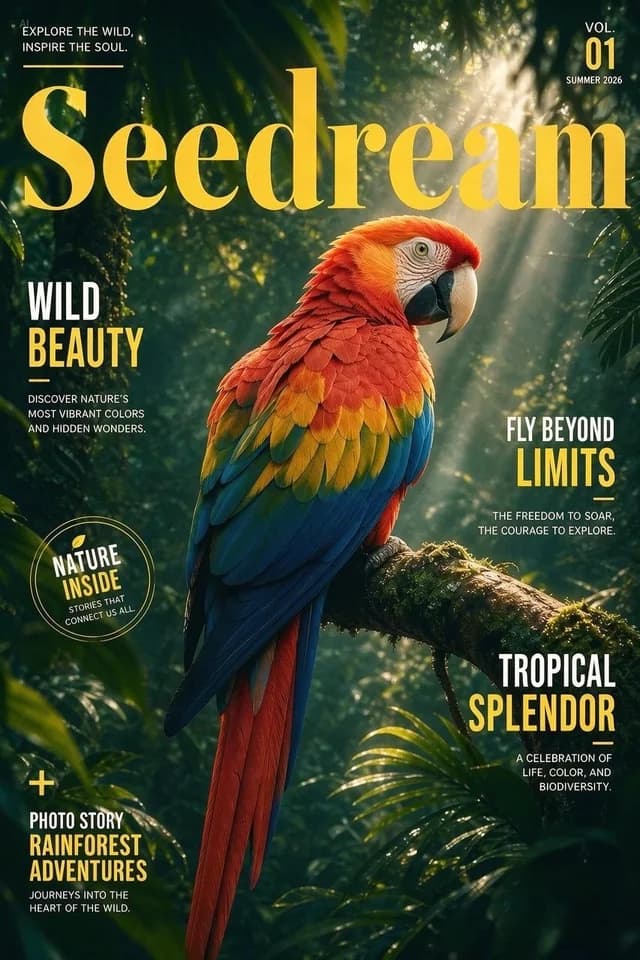
GPT Image 1.5 from OpenAI integrates naturally with GPT-based workflows and supports transparent backgrounds, a practical requirement for composite imagery and design work. Seedream v4.5, developed by ByteDance, produces distinctly artistic outputs with a creative style that differs from photorealistic models, making it suitable for conceptual art and experimental projects.
Image Models Comparison
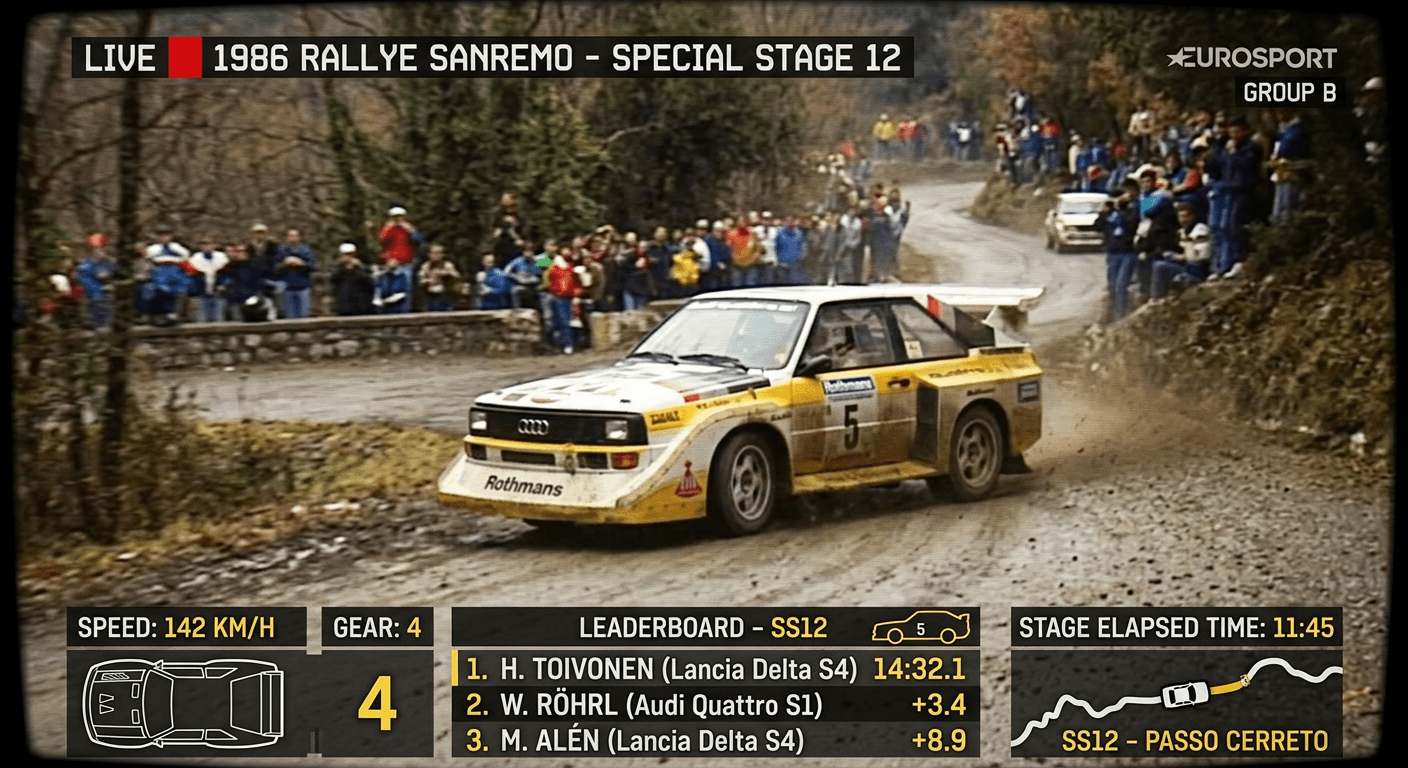
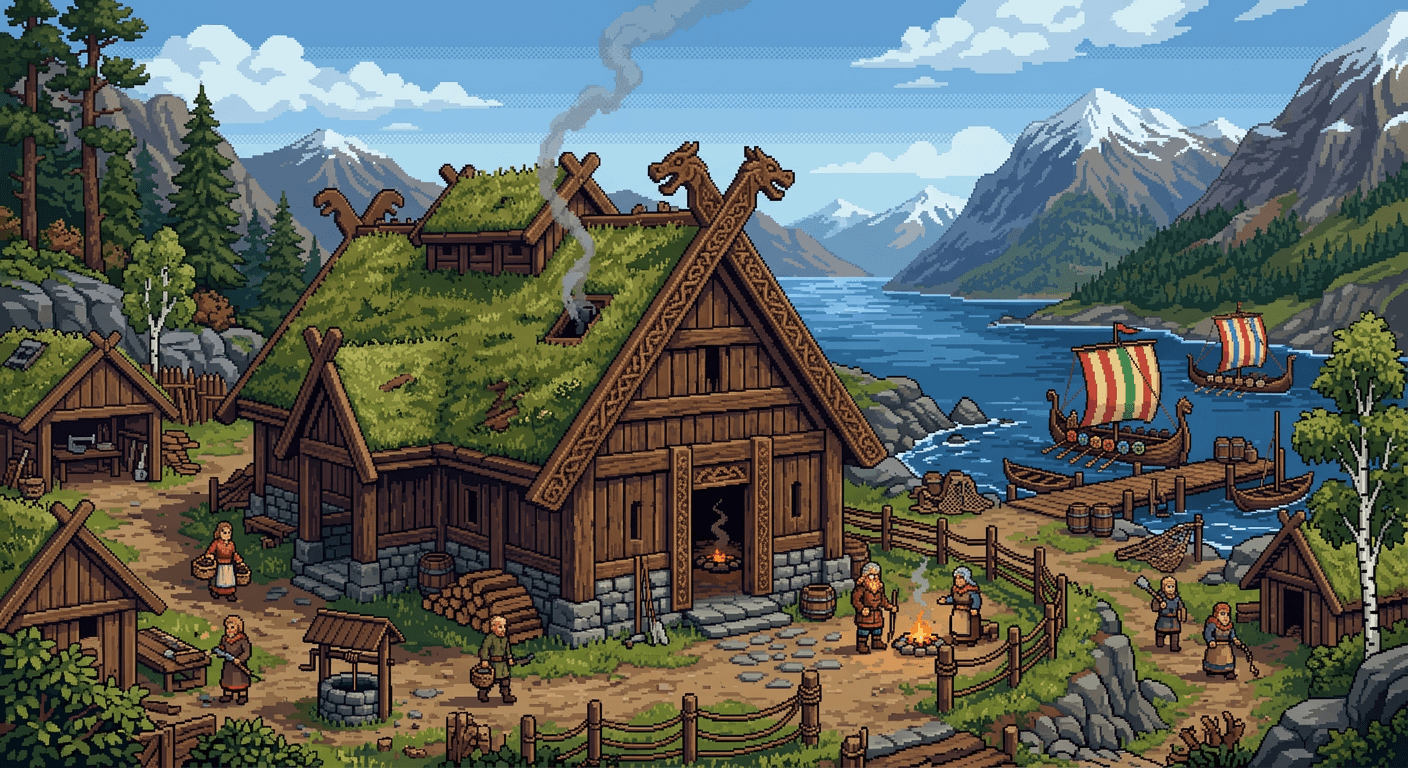
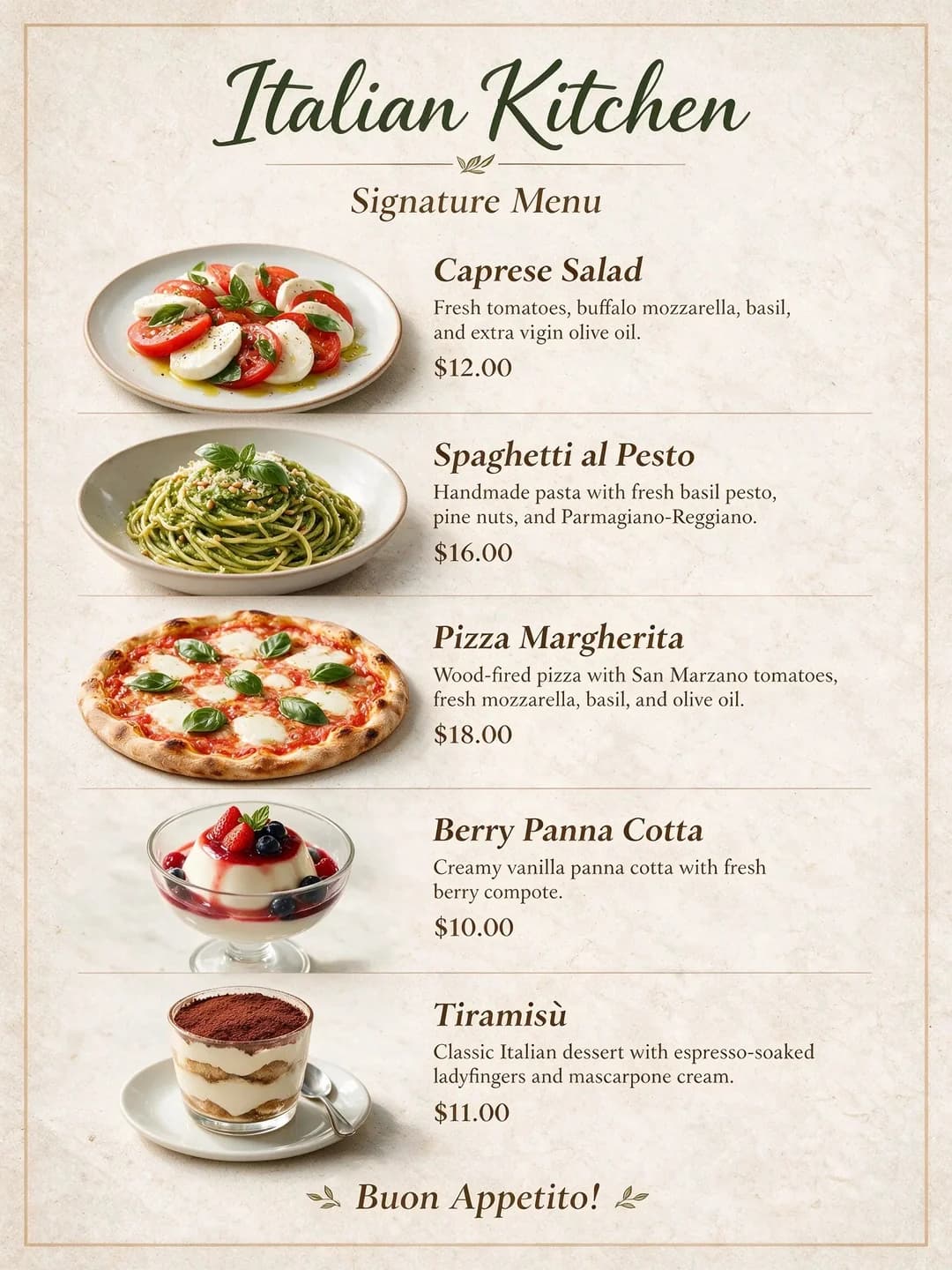
Scroll horizontally to compare example outputs from different image models.
Video Generation: Technical Considerations
Video generation introduces additional complexity around duration, resolution, motion quality, and audio synchronization. The models available today vary significantly in their capabilities and constraints.
Veo 3.1 from Google represents one of the more capable options, supporting resolutions from 720p to 4K with durations of 4, 6, or 8 seconds. The model generates synchronized audio, a feature not universally available across video generation tools. It accepts text, images, and reference inputs, providing flexibility in how you initiate generation. The auto-fix and prompt enhancement features reduce the iteration cycle by automatically correcting common issues.
Sora 2 from OpenAI focuses on cinematic quality with a fixed 720p resolution output. Duration ranges from 1 to 10 seconds, with a Pro variant available for higher quality results. The model excels at generating visually coherent scenes with realistic motion, particularly effective for narrative and storytelling applications.
Kling's O3 model introduces multi-shot capabilities, allowing up to 10 separate shots within a single generation request. Duration extends from 3 to 15 seconds, and the model supports audio generation with voice ID matching. This makes it practical for creating short sequences that require character consistency across cuts.
Grok Imagine Video from xAI offers a cost-effective entry point for video generation. While limited to 480p-720p resolution, the model supports 7 aspect ratios and provides reasonable quality for social media content and experimental work where budget is a primary consideration.
Video Models Overview
Compare all available video generation models and their capabilities.
Veo 3.1
Google's advanced video AI with audio generation and multiple input modes.
Sora 2
OpenAI
OpenAI's cinematic video generation model for creative storytelling.
Kling O3
Kling
Latest Kling model with multi-shot prompts and audio generation.
Kling v2.5 Turbo
Kling
Fast professional video generation with CFG scale control.
Grok Imagine Video
xAI
Budget-friendly video generation with 7 aspect ratio options.
Wan 2.5 Preview
Alibaba
Alibaba's preview model for image-to-video conversion.
Criteria for Selection
When selecting a model, consider these factors in order of typical importance:
The comparison sections below show actual outputs from each model using the same or similar prompts, allowing you to evaluate the visual differences firsthand. Use these examples as a reference point when deciding which model aligns with your project requirements.
Recommendations by Use Case
Find the perfect model for your specific project requirements.
Product Photography
Professional product images for e-commerce, catalogs, and marketing materials.
Social Media Content
Engaging visuals for Instagram, TikTok, Twitter, and other platforms.
Marketing Videos
Professional video ads, product demos, and brand storytelling.
Creative Projects
Artistic exploration, concept art, and experimental visuals.
Frequently Asked Questions
Which model is the default?
Nano Banana 2 is our default image generation model, offering the best balance of speed, quality, and versatility. For videos, Veo 3.1 is recommended.
Can I try multiple models?
Yes! Your 100 free credits work across all models. We encourage you to experiment and find the model that best fits your creative needs.
Which model is fastest?
Nano Banana 2 (Gemini 3.1 Flash) is optimized for speed. For videos, Kling v2.5 Turbo offers the fastest generation times.
Which model produces the highest quality?
Flux 2 Pro and Flux Pro Ultra v1.1 offer the highest quality for images. For videos, Sora 2 Pro and Veo 3.1 at 4K resolution provide the best results.
Do all models support commercial use?
Yes! All content generated with any of our models can be used for commercial purposes including marketing, advertising, and client work.