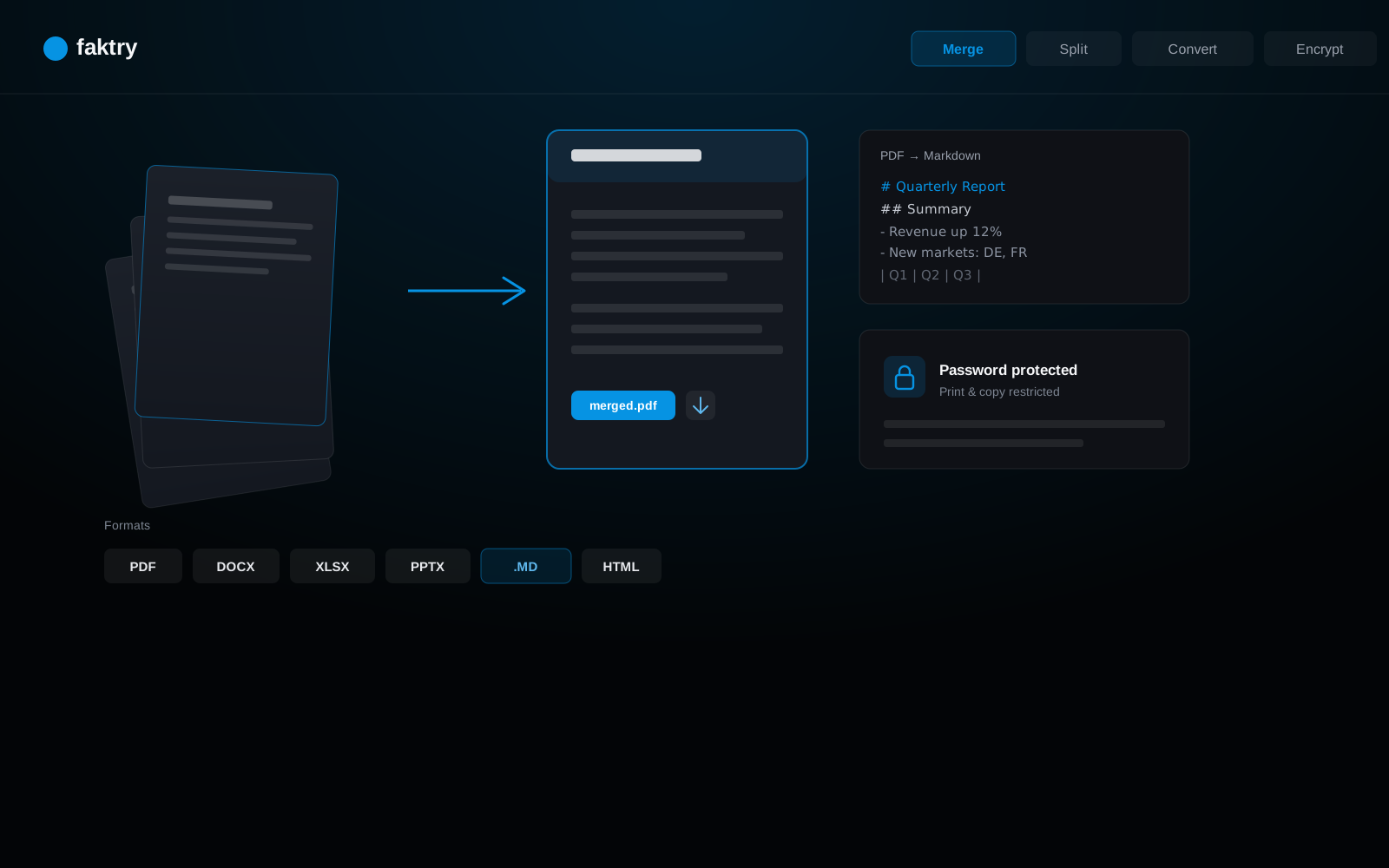
PDF + Document Suite

Merge, Convert & Process
PDFs and Office Documents.

Beyond basic PDF tools. Merge, split, compress and encrypt PDFs. Convert Word, Excel, and PowerPoint to PDF or Markdown. Create PDFs from HTML, URLs, or any Office document. 9 operations that replace ilovePDF, Smallpdf, and Pandoc.

Not Just PDFs — Your Complete Document Conversion Stack

faktry handles the full document workflow that most teams currently split across 4–6 tools. Merge contracts in bulk, compress presentations before emailing clients, extract structured text from scanned reports, and convert any Word, Excel, or PowerPoint file to clean Markdown in one click. Create new PDFs from HTML templates or live URLs — useful for automated reporting, archiving web pages, and generating printable versions of dynamic web content. Encrypt finished documents with viewer-only permissions before sending. All 9 operations are available individually or chained together inside AI workflow pipelines for automated, repeatable document processing at scale.

faktry document processing tools

9 Document Operations

From simple merges to complex conversions — everything you need to manage documents.

PDF Operations

Merge PDFs

Combine any number of PDFs into a single document with page order, internal bookmarks, and original formatting preserved. Upload files in the order you want them — contracts, appendices, exhibits, cover pages — and faktry merges them into one clean PDF in seconds. Works with any mix of text-based and scanned PDFs, handles differing page sizes and orientations automatically, and preserves existing hyperlinks. The merged output can immediately flow into compress or encrypt operations in the same session.

Split PDF

Split PDFs by page ranges, individual pages, or bookmarks. Extract specific sections with precision.

Compress PDF

Reduce file size while maintaining quality. Optimize for web, email, or storage. Control compression level.

Create PDF

Generate professional PDFs from three different source types without installing any software. HTML input lets you create templated documents — invoices, reports, certificates — with full CSS styling including custom fonts, colors, and page breaks. URL input captures any live web page as a faithful PDF snapshot including dynamically loaded content, useful for archiving articles and generating printable reports. Office document input (.docx, .xlsx, .pptx) converts files to PDF while preserving tables, charts, images, and original formatting.

Encrypt PDF

Add password protection and encryption to PDFs. Control permissions for printing, copying, and editing.

Conversion & Extraction

Extract Text

Extract text content from PDFs. Preserve formatting, tables, and structure. Export as plain text or formatted.

PDF to Images

Convert PDF pages to images. Export as JPG, PNG, or WebP. Control resolution and quality.

PDF to Markdown

Convert any document to clean, structured Markdown with a single upload. Unlike basic text extraction, this preserves document hierarchy: headings become #, ##, ###, lists stay lists, tables convert to proper Markdown table syntax, and code blocks are fenced. The converter accepts PDF, .docx, .xlsx, .pptx, .html, and .txt files — making it the fastest path from a Word document or PowerPoint deck into GitHub wikis, Notion, Confluence, or static site generators. Particularly useful for teams migrating legacy documentation into modern systems.

Create from Text

Generate formatted documents from plain text. Apply templates, styles, and structure automatically.

From Processing to Production

Merge, split, convert, and secure. The complete document pipeline.

Business Reports

A finance team assembles a monthly board pack from six separate PDF reports produced by different departments. faktry merges all six in the correct order, compresses the combined file from 45MB to 8MB for email delivery, adds password encryption with viewer-only permissions (no printing or copying allowed), and produces the final secure PDF in under a minute. The same pipeline runs every month — the team just swaps in the new report files and it works identically.

Merge documents
Compress for sharing
Password protection

Content Extraction

A documentation team receives legacy Word and PowerPoint files that need to be migrated into a GitHub-based documentation system. faktry converts each file to clean Markdown in a single batch — headings become heading levels, bullet lists stay formatted, tables convert to Markdown table syntax. The resulting .md files drop straight into the repository with minimal manual cleanup, turning what would be a week-long copy-paste migration project into an afternoon of batch processing.

Text extraction
Markdown conversion
Document creation

Document Archival

A legal team needs to archive 200-page contract PDFs organized by clause section. faktry splits each contract by bookmark structure into individual PDFs per section, compresses each for long-term storage, and converts the first page of each section to a JPG thumbnail for the document management system's preview index. The entire archival operation — splitting, compressing, and thumbnail generation — runs as a single automated pipeline without manual intervention.

Split by sections
Compress for storage
Image conversion

Web Publishing

A developer needs to generate monthly client reports automatically. They build an HTML template with dynamic data slots and use faktry's URL-to-PDF operation to capture a pixel-perfect PDF of the rendered report. The same workflow captures the live client dashboard at month-end as a timestamped PDF snapshot. Both documents are saved automatically to the content library and available for download — no headless browser setup, no server-side PDF libraries, no deployment pipeline required.

HTML to PDF
Web optimization
Image export

Supported Formats

Process documents in all major formats with full compatibility and quality preservation.

PDF (Input & Output)
HTML & URLs
Plain Text & Markdown
Images (JPG, PNG, WebP)

Processing Features

PDF Operations

  • Merge multiple files
  • Split by pages
  • Compress & optimize
  • Create from HTML

Conversion

  • Extract text
  • PDF to images
  • PDF to Markdown
  • Text to document

Complete Document Processing

Merge, split, compress, convert, and secure. All in one place.

9 operations includedFREE CREDITS

Merge, split, compress PDFs
Create from HTML & URLs
Extract text & convert formats
Password protection & encryption
Get Started Now

Frequently Asked Questions

How do I merge multiple PDFs into one file?

Use the Merge PDFs operation. Upload all the PDFs you want to combine — contracts, appendices, cover pages — and set the page order before merging. faktry preserves internal bookmarks, hyperlinks, and original formatting from each file. Text-based and scanned PDFs can be mixed in the same merge, and differing page sizes are handled automatically. The merged output is ready in seconds.

Can I convert a Word document to PDF?

Yes. Use the Create PDF operation and upload your .docx file. faktry converts Word documents to PDF while preserving tables, images, charts, and original formatting — no Microsoft Office installation required. The same operation also accepts .xlsx (Excel) and .pptx (PowerPoint) files. The resulting PDF is immediately available for compression, encryption, or splitting in the same session.

How do I extract text from a scanned PDF?

Use the Extract Text operation. faktry extracts text content from both text-based and scanned PDFs, preserving document structure including tables and formatting. The output can be exported as plain text or in a formatted layout. For scanned documents, the extraction handles OCR-processed content. The extracted text is immediately available for further editing or conversion.

How do I convert PDF to Markdown?

Use the PDF to Markdown operation. Upload any PDF, .docx, .xlsx, .pptx, .html, or .txt file and faktry converts it to clean, structured Markdown. Headings become #, ##, ### levels, lists retain their formatting, tables convert to proper Markdown table syntax, and code blocks are fenced. This is particularly useful for migrating documentation from Word or PowerPoint into GitHub wikis, Notion, Confluence, or static site generators.

Can I create a PDF from a website URL?

Yes. Use the Create PDF operation and choose the URL input option. faktry captures any live web page as a pixel-perfect PDF snapshot — including dynamically loaded content — without requiring a headless browser setup on your end. This is useful for archiving articles, generating printable reports, and capturing client dashboards as timestamped PDF records. The HTML input option lets you create templated documents (invoices, certificates) with full CSS styling.

How do I add a password to a PDF?

Use the Encrypt PDF operation. Upload your PDF, set a password, and choose permission levels — you can restrict printing, copying, and editing independently. The encrypted PDF uses standard PDF encryption that's compatible with Adobe Acrobat, Preview, and all major PDF readers. This is commonly used when sending contracts, board packs, or any document that shouldn't be modified or redistributed freely.