




Social Media Content
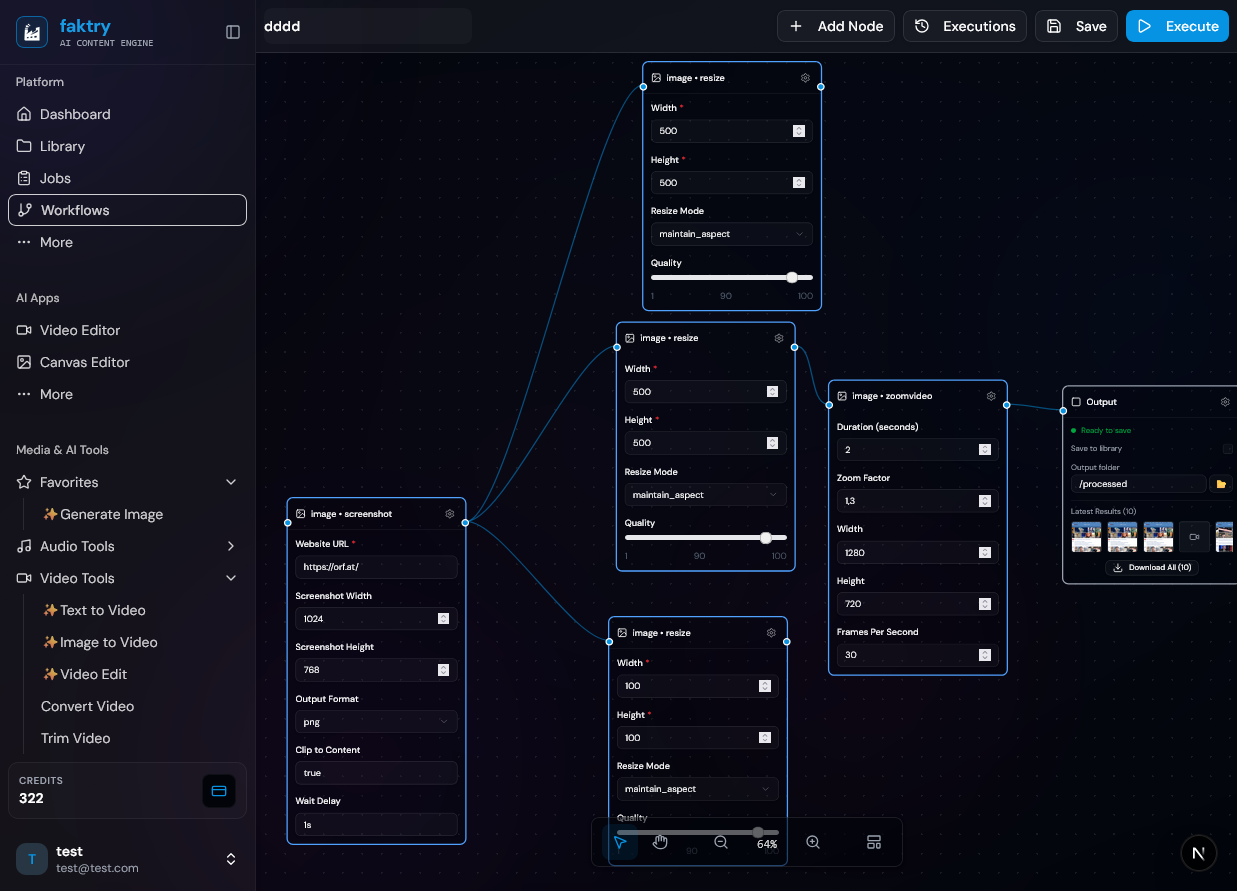
Generate an AI image, resize to 9:16, 1:1 and 16:9, add a watermark, export every format - one run, one output node collecting all three branches.
- AI image generation
- Multi-format resize
- Batch export
Visual AI Pipeline Builder
Build reusable AI content pipelines on one canvas. Chain 100+ AI models with 60+ media operations, and batch a whole spreadsheet through a single run.
One pipeline, built once, run forever
Most AI tools give you one box, one prompt, one result. A content pipeline is different: you connect the steps once - generate, upscale, resize, watermark, export - and the whole chain runs on demand, on one file or on five hundred. Everything on this page is a node you drag onto a canvas, and every pipeline you build is saved, versioned by its run history, and reusable the next time the same job comes around.
"A healthy meal plate with green vegetables, fruits, whole grains, clean eating concept..."
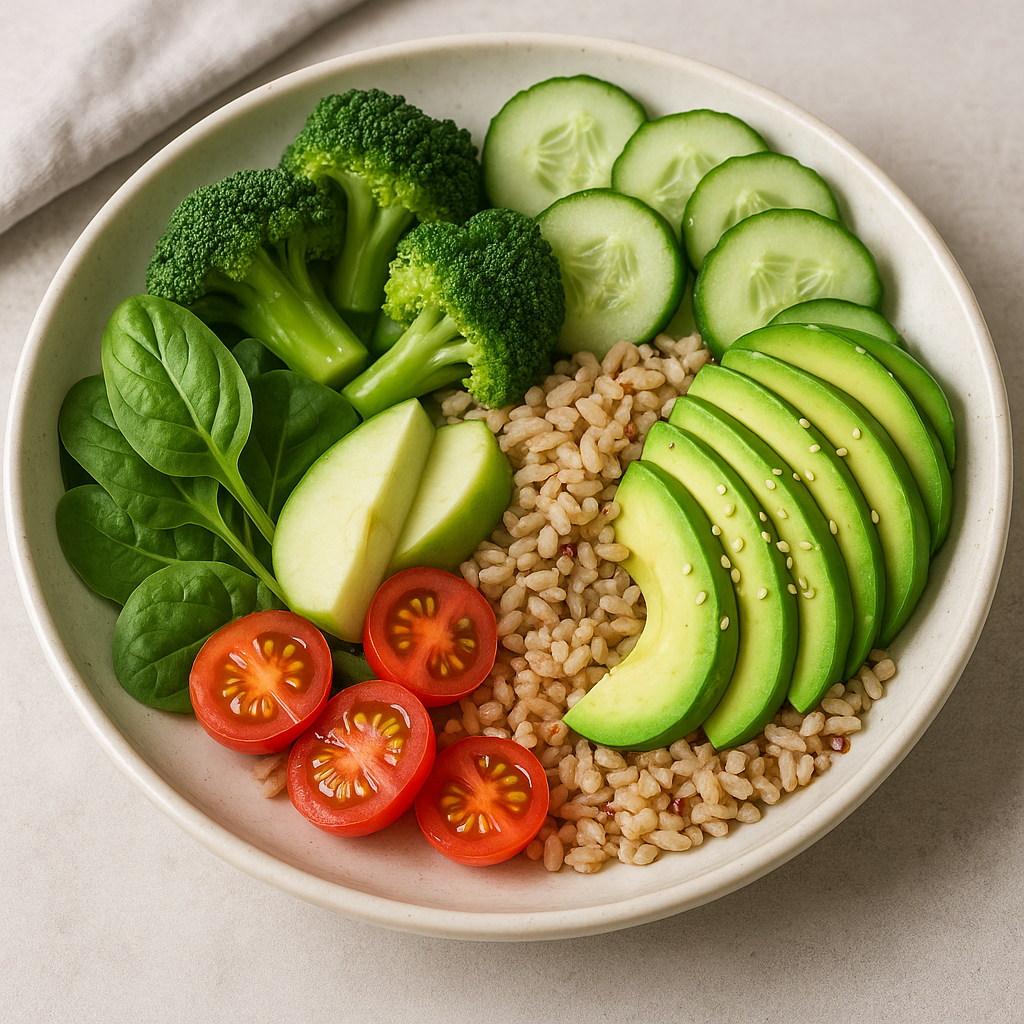
result_flux_01.png
From AI generation to media processing - all in one visual pipeline you build once and reuse forever.
Building the pipeline
1.
Drag and drop nodes onto a canvas in our node-based visual editor, connect inputs to outputs, and build your content pipeline visually. No code required.
12 files
1024 x 1024
9:16
brand.png
2.
Describe the pipeline you want and the built-in agent finds the right operations, adds the nodes, connects them, sets the models and lays out the canvas. It proposes a plan first, and you can edit everything it builds by hand.
Add Data node
Add image model
Wire @name into the prompt
200 rows
@name
library
3.
Flux 3, Sora 2, Veo 3.1, Kling, Seedance, Nano Banana 2, GPT Image 2.5, Whisper, ElevenLabs and more - every model on the platform is a node.
 Flux 2
 Nano Banana 2
 Sora 2Veo 3.1
 ElevenLabsOpenAI TTS
4.
Resize, convert, watermark, upscale, remove backgrounds, trim, merge, transcribe, extract audio, split PDFs - the full toolset, all as pipeline nodes.
1080p
logo
4x
mp4
Paste a CSV or type a table straight onto the canvas, then reference any column as @column inside a prompt or parameter. The pipeline runs once per row, so 200 product rows become 200 finished assets.
Point an input node at 100 files and the pipeline runs 100 times automatically. Steps above the batch are computed once and reused, so you never pay to regenerate the same asset twice.
Execute with one click and watch it live: which node is running, which iteration of the batch it is on, results appearing per node, and a cancel button that actually stops the run.
Every run is tracked with status, duration and steps completed. Each node keeps its past outputs, so you can compare results across runs and see exactly which step failed and why.
125+ specialized nodes for AI generation, media processing, data-driven batching and pipeline control.
Feed your pipeline with files from your library, uploads, URLs or plain text. Select several files and the whole pipeline repeats for each one.
A table on the canvas. Type rows by hand or paste a CSV, then inject any @column into the prompts and parameters downstream. One row in, one result out, for as many rows as you have.
Generate, edit, enhance, transcribe and analyze content with 100+ AI models from leading providers.
Process and transform media with a comprehensive set of format, editing and export tools.
Shape how the pipeline runs. Insert deliberate delays between rate-limited AI calls, and annotate the canvas so the pipeline still makes sense in six months.
Define what comes out of your pipeline. A single output node accepts every branch, and results land in your content library automatically.
Work with all major media formats across your entire pipeline.
The same models you would use one at a time, wired into a pipeline that runs them in sequence.
Generation, editing, inpainting, upscaling and background removal.
Text-to-video, image-to-video, editing, upscaling and avatars.
Speech, music, voice cloning and transcription.
ElevenLabsOpenAI TTSGemini TTS MiniMax Music
Real pipelines built with real nodes. Build yours once, run it a thousand times.
Generate an AI image, resize to 9:16, 1:1 and 16:9, add a watermark, export every format - one run, one output node collecting all three branches.
Upload product photos, remove the background, upscale, generate AI variations, export. Select 100 photos on the input node and the same pipeline handles all of them.




Paste a CSV of products, reference @name and @style in the prompt, and the pipeline generates, resizes and watermarks one finished asset per row. 200 rows, 200 assets, one click.


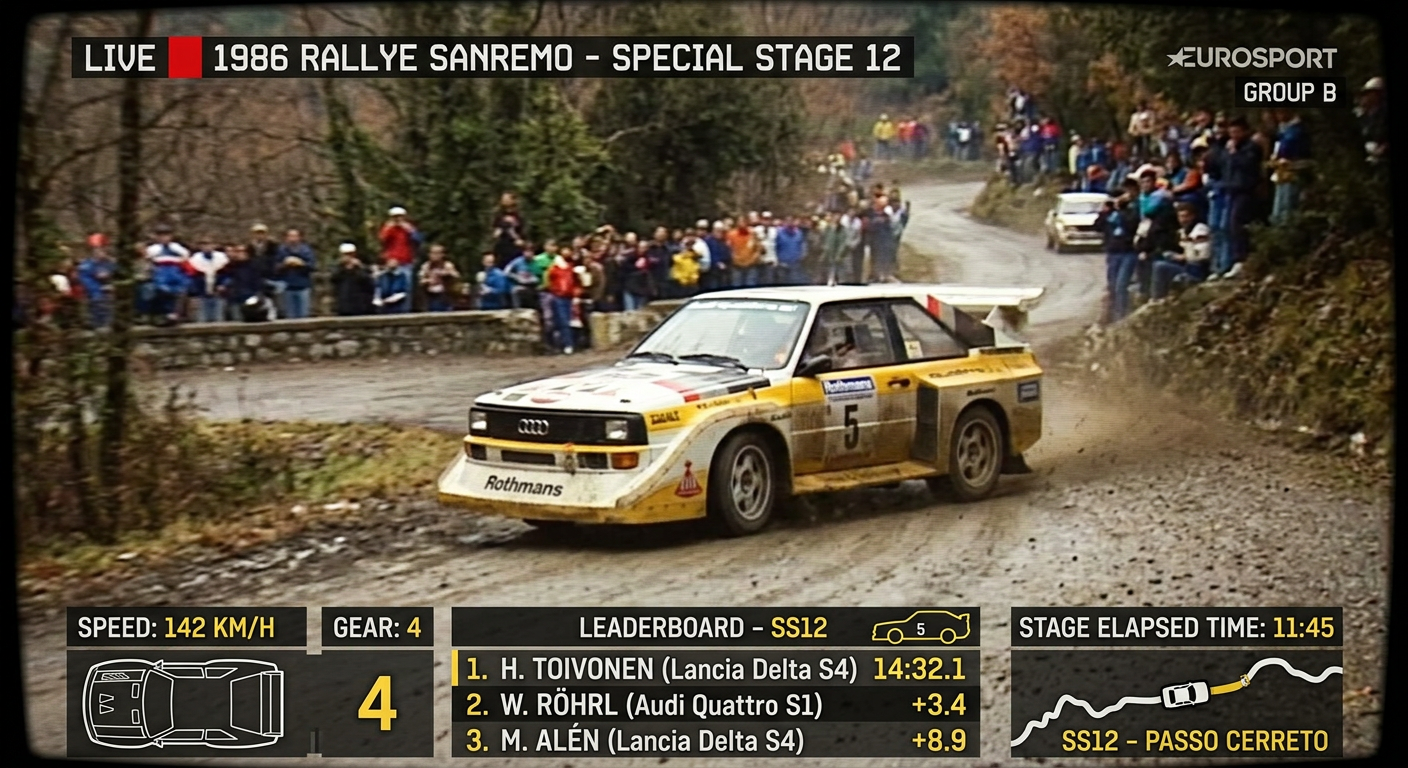

Describe the pipeline in a sentence and the workflow agent finds the operations, adds the nodes, connects them and sets the models. Review the plan, then run it or rearrange it yourself.
Generate images, turn them into video with Veo 3.1 or Sora 2, add TTS narration, merge and export the finished clip - all in one pipeline.
Upload a recording, transcribe it with Whisper, generate a summary as speech, mix and export. Add a Pause node between AI calls to stay inside provider rate limits.
A pipeline engine that combines the best AI models with professional media tools. Build it once, reuse it forever.
A node-based visual workflow: a chain of processing steps - called nodes - that you connect together. Each node does one job: generate an image, upscale it, resize it, add a watermark, export it. Connect them once, and reuse the pipeline as many times as you want.
Build it once. Reuse it forever. Save hours on every run.
Free credits to try us