
AI Video Editor
for Long-Form AI Productions.
Go beyond short clips. Build professional video productions scene by scene - with AI script generation, reusable character elements, and a production workflow trusted by agencies. Export HD video or PDF storyboard. From 16:9 ads to 9:16 creator content.

Not Just Short Clips - Full Productions
Most AI video tools only create short 5-second clips. Our video editor is built for long-form storytelling - create minutes of video with the same characters, consistent visuals, and cohesive narrative.
Character Consistency
Define characters, props, and backgrounds as reusable elements. Reference them across scenes so the same face appears throughout your entire video.
Long-Form Output
Create videos up to 20+ minutes. Perfect for short films, episodes, tutorials, course content, and serialized storytelling.
Agency & Creator Ready
Classic 16:9 for ads and corporate content. 9:16 for creator and UGC. Established production workflow: script, storyboard, scene, review, export.
Complete Video Production Suite
Everything you need to transform your ideas into polished video productions.
AI Script Generation
Describe your video idea and our AI generates a complete script with scenes, dialogue, and pacing using GPT-5.
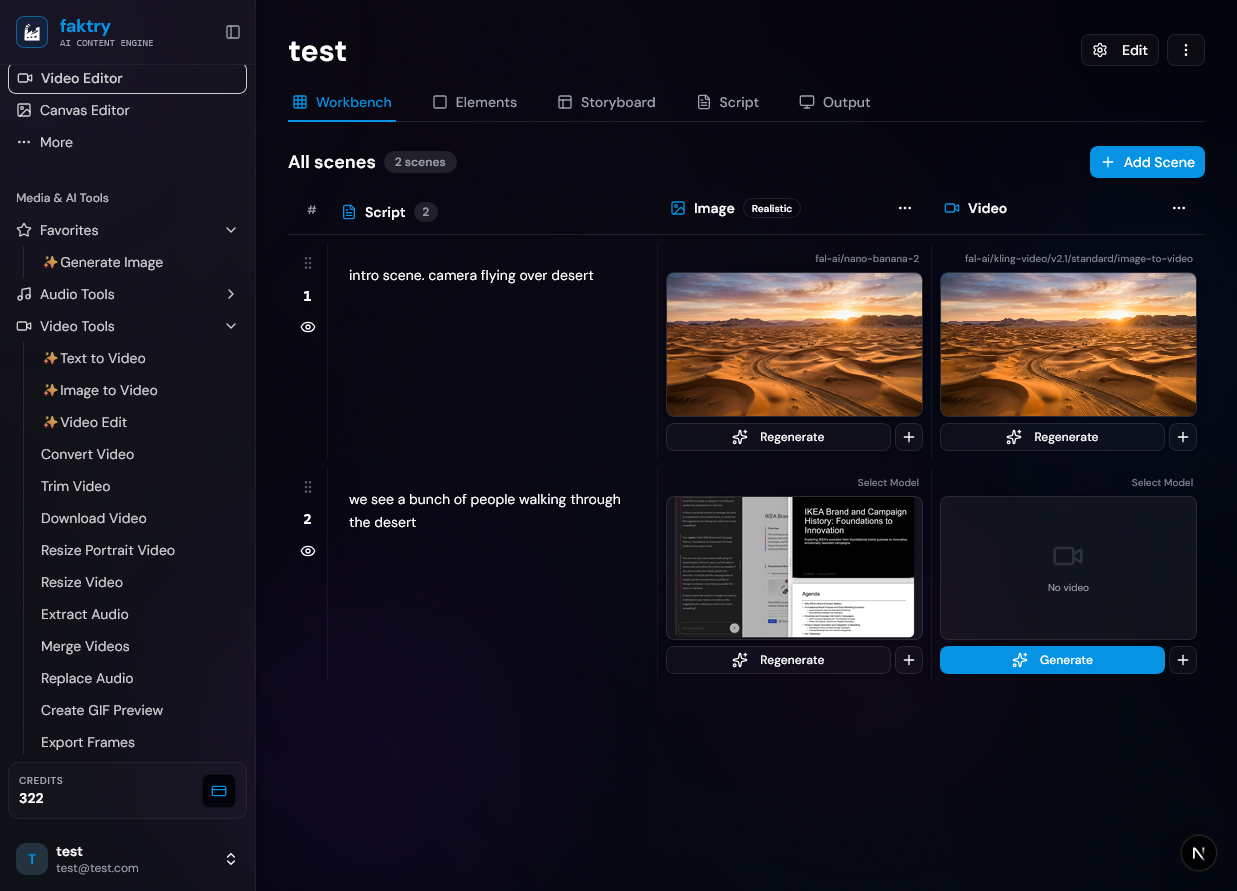
Scene Workbench
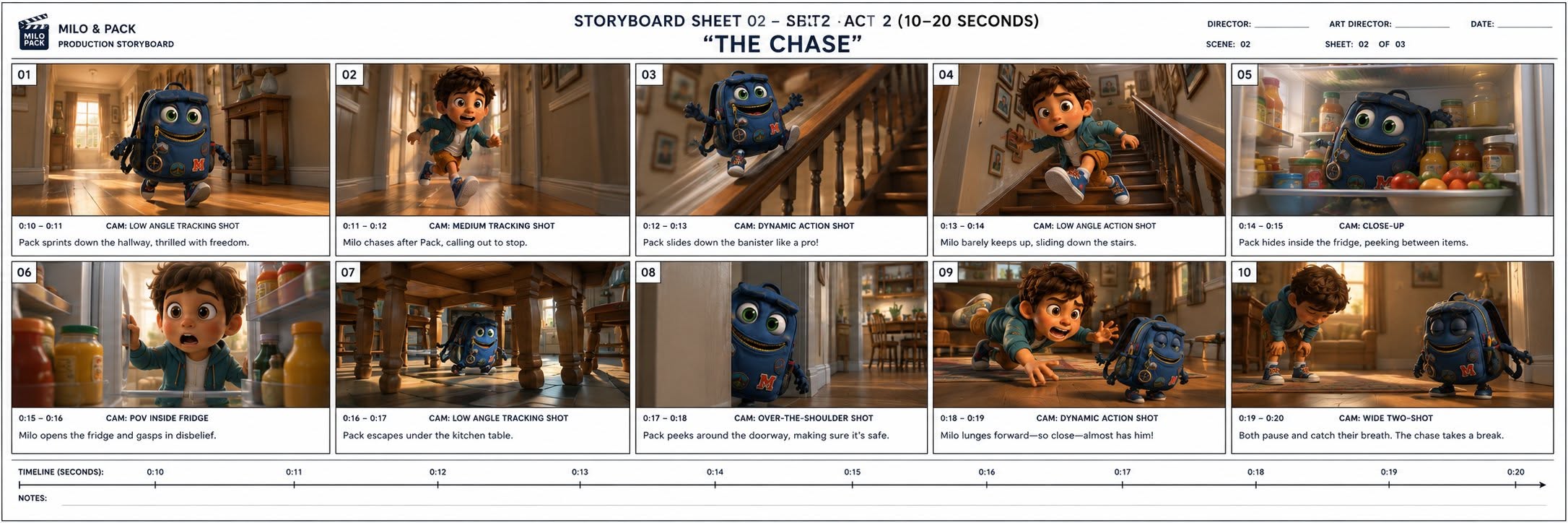
Visual grid showing all scenes. Drag to reorder, activate or deactivate scenes, and edit individual scene prompts.
Character Reference (Elements)
Create reusable characters, props, and backgrounds as elements. Reference them by @-name in scene prompts for consistent generation.
Image Generation
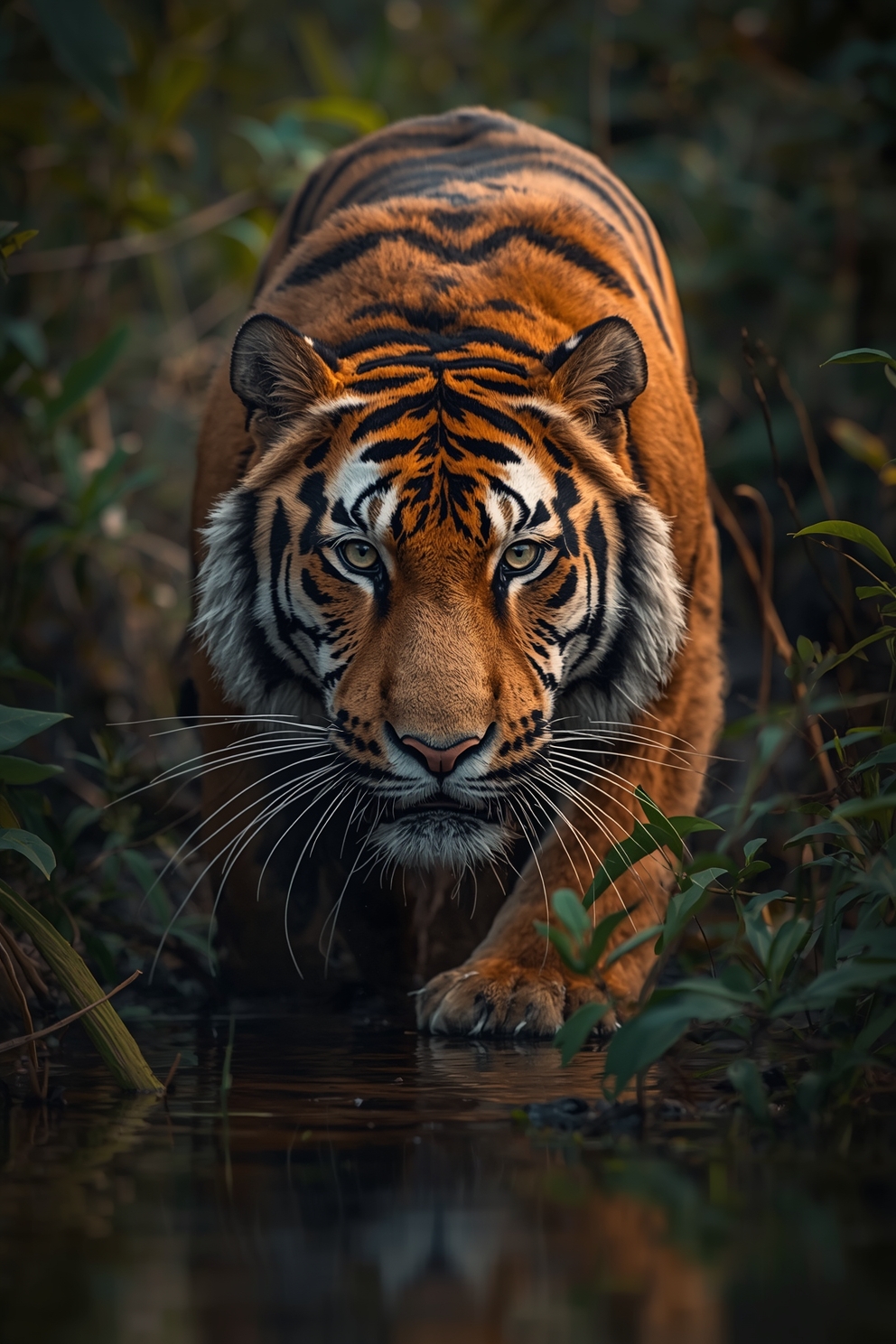
Each scene generates a unique AI image from your prompt. Regenerate any scene until it looks right.
Video Generation
Convert scene images into video clips using AI image-to-video models. Each scene becomes a moving shot.
Manual Upload
Upload your own images or videos for any scene. Mix AI-generated and real content in the same production.
Flexible Formats
Landscape (16:9) for ads and corporate. Portrait (9:16) for social and creator content. Square for versatility.
Storyboard Export
Export your complete storyboard as a PDF. Share with stakeholders, clients, or team for review and approval.
HD Video Export
Download your finished video in high resolution. All scenes merged into a single polished video file.
How It Works
From idea to finished video in four simple steps - the same workflow agencies use.
Describe Your Idea
Enter your video concept - a story, ad, tutorial, or any narrative. The AI generates a structured script with scenes.
Review the Storyboard
Your script becomes a visual storyboard. Reorder scenes, edit prompts, define characters as reusable elements.
Generate & Refine
AI creates images and videos for each scene. Regenerate any scene, swap elements, or upload your own media.
Export & Share
Export as HD video or PDF storyboard. Share with your team, present to clients, or publish directly.
Built for Agencies and Creators
Professional video production for advertising teams and independent creators alike.
Advertising & Corporate
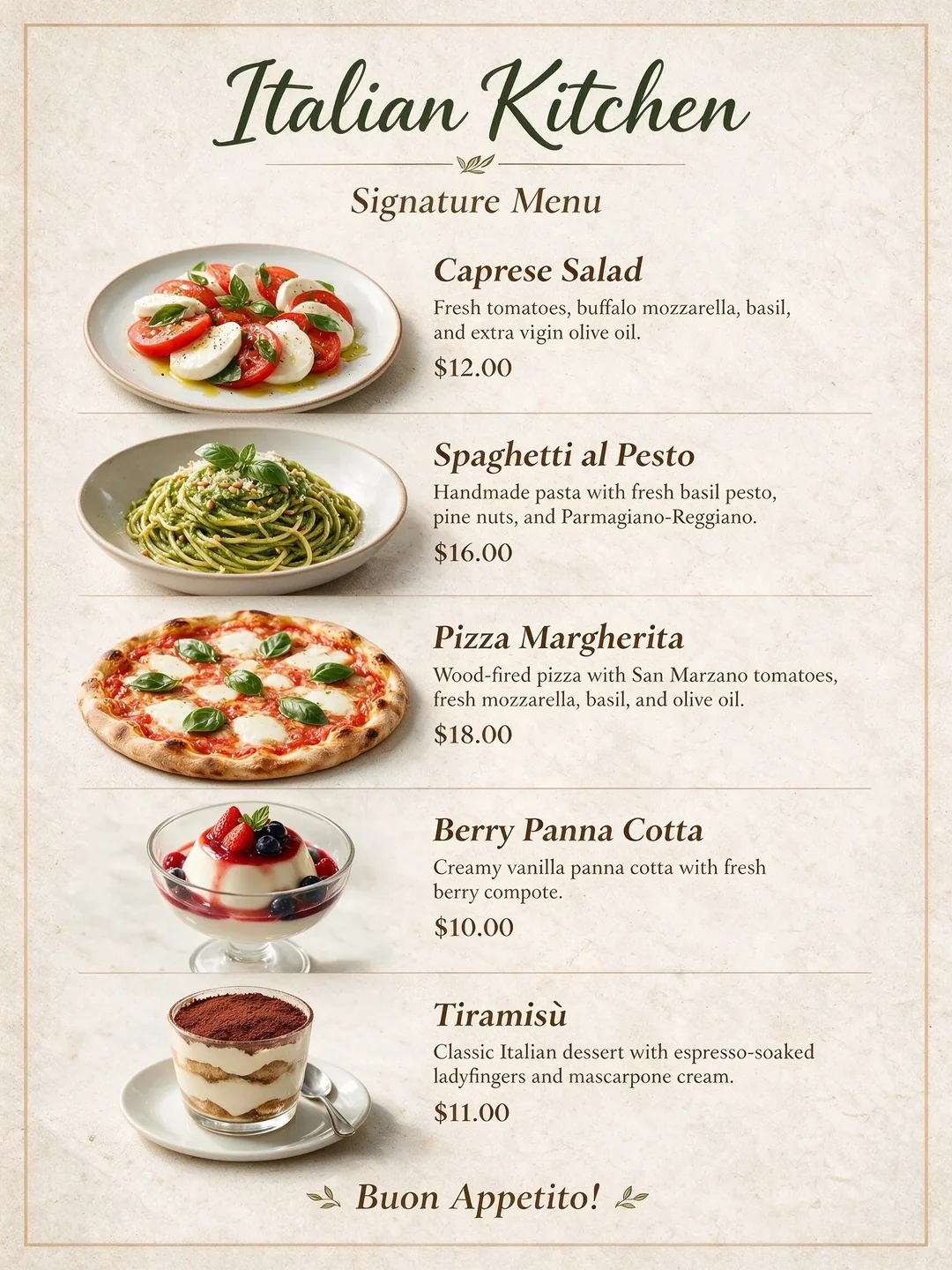
Create 16:9 brand videos, product demos, and corporate presentations with consistent brand characters.
Creator & UGC Content
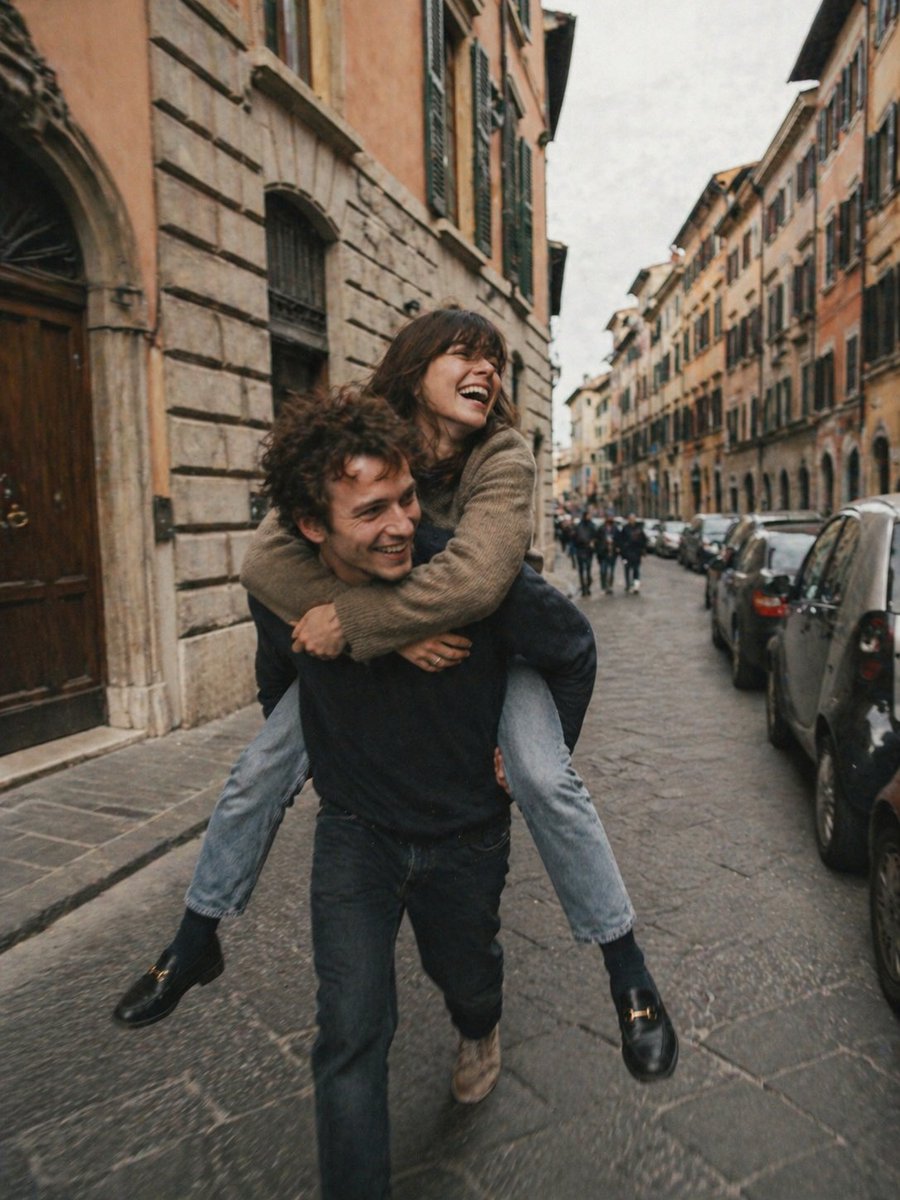
Build 9:16 content for TikTok, Instagram Reels, and YouTube Shorts with consistent characters across episodes.
Short Films & Series
Create miniature films, pilot episodes, or serialized content with multi-act storytelling and character development.
Educational Content
Build engaging tutorials, courses, and educational videos with visual demonstrations and consistent instructors.
Marketing Videos
Produce promotional content, brand stories, and product demonstrations with reusable brand elements.
Content Repurposing
Turn blog posts, articles, or scripts into engaging video content. Auto-break text into visual scenes.
Ready to Create Your Video?
From agency productions to creator content - build it with AI.
Start Creating TodayFREE CREDITS
Frequently Asked Questions
How is this different from regular AI video generation?
Regular AI video generation (Veo 3, Kling, Sora) produces 5–10 second clips from a single prompt. The AI Video Editor is built for long-form productions - you write a script or describe a concept, the AI breaks it into scenes, and you generate, arrange, and refine each scene individually. Character consistency elements let the same face and props appear across every scene, which is impossible with single-generation tools.
How does character consistency work?
You define characters, props, and backgrounds as reusable 'elements' - each with a reference image and an @-name. When writing scene prompts, you reference the element by @-name (e.g., '@Sarah', '@product'). The AI uses the reference image to guide generation, maintaining visual consistency across scenes. This is how you keep the same character face, outfit, or object throughout a multi-scene production without re-describing them from scratch.
What is the maximum video length?
The Video Editor supports productions of 20+ minutes. There's no hard scene limit - you can build a multi-act story, a full tutorial course, or a serialized episode. Scene duration is controlled individually, and the final export merges all scenes into a single HD video file. Longer productions take proportionally more generation credits, but the workflow is the same regardless of length.
Can I mix AI scenes with real footage?
Yes. Any scene in the storyboard can use a manually uploaded image or video clip instead of AI generation. This lets you combine AI-generated scenes with product photography, screen recordings, or real-world footage in the same production. The manual upload option is per-scene, so you can mix freely.
Can I export a storyboard PDF for client review?
Yes. The storyboard export generates a PDF showing each scene with its generated image and prompt. This is designed for the agency workflow: share the storyboard with a client for review and approval before committing to full video generation. Clients can give feedback on scene order, visuals, and script without needing to view a work-in-progress video.
What aspect ratios are supported?
The Video Editor supports 16:9 landscape (ads, corporate videos, YouTube), 9:16 portrait (TikTok, Instagram Reels, Shorts), and 1:1 square (versatile social formats). You choose the aspect ratio when starting a new production - it applies to all scene generations and the final export.
Explore More Features
Discover other powerful tools in the faktry suite