


Product photos
Cut the product out, swap the background, polish the shot with a Look and export it in every size a shop asks for.
- Background removal in one click
- Clean product Looks
- Export in any format
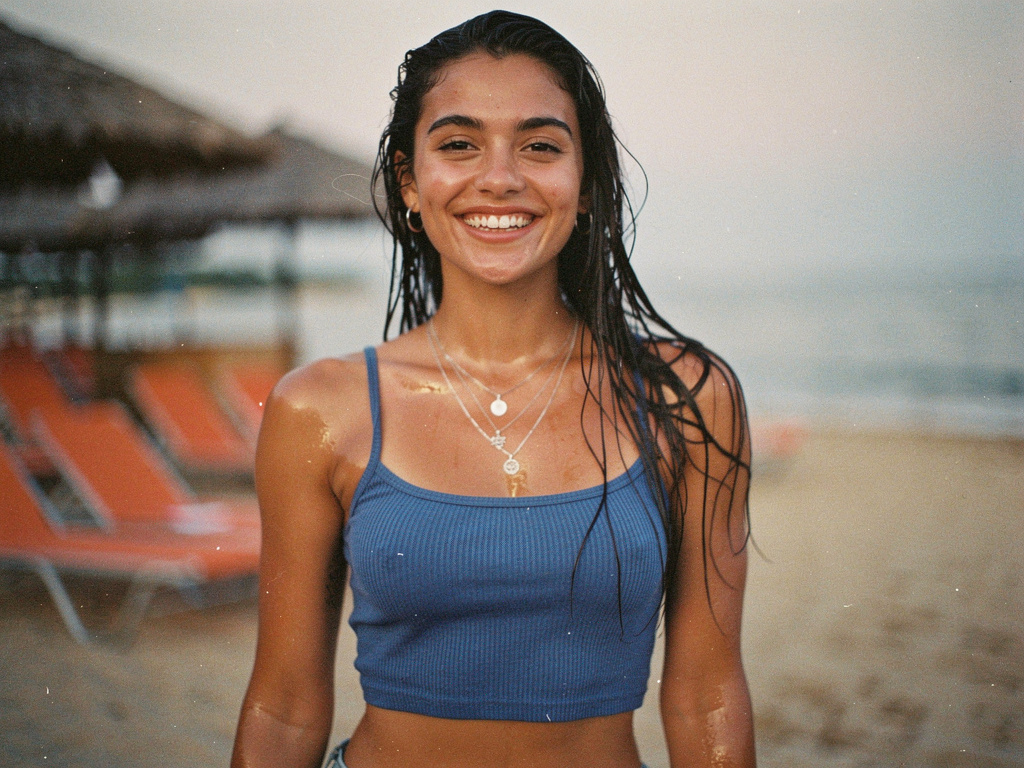
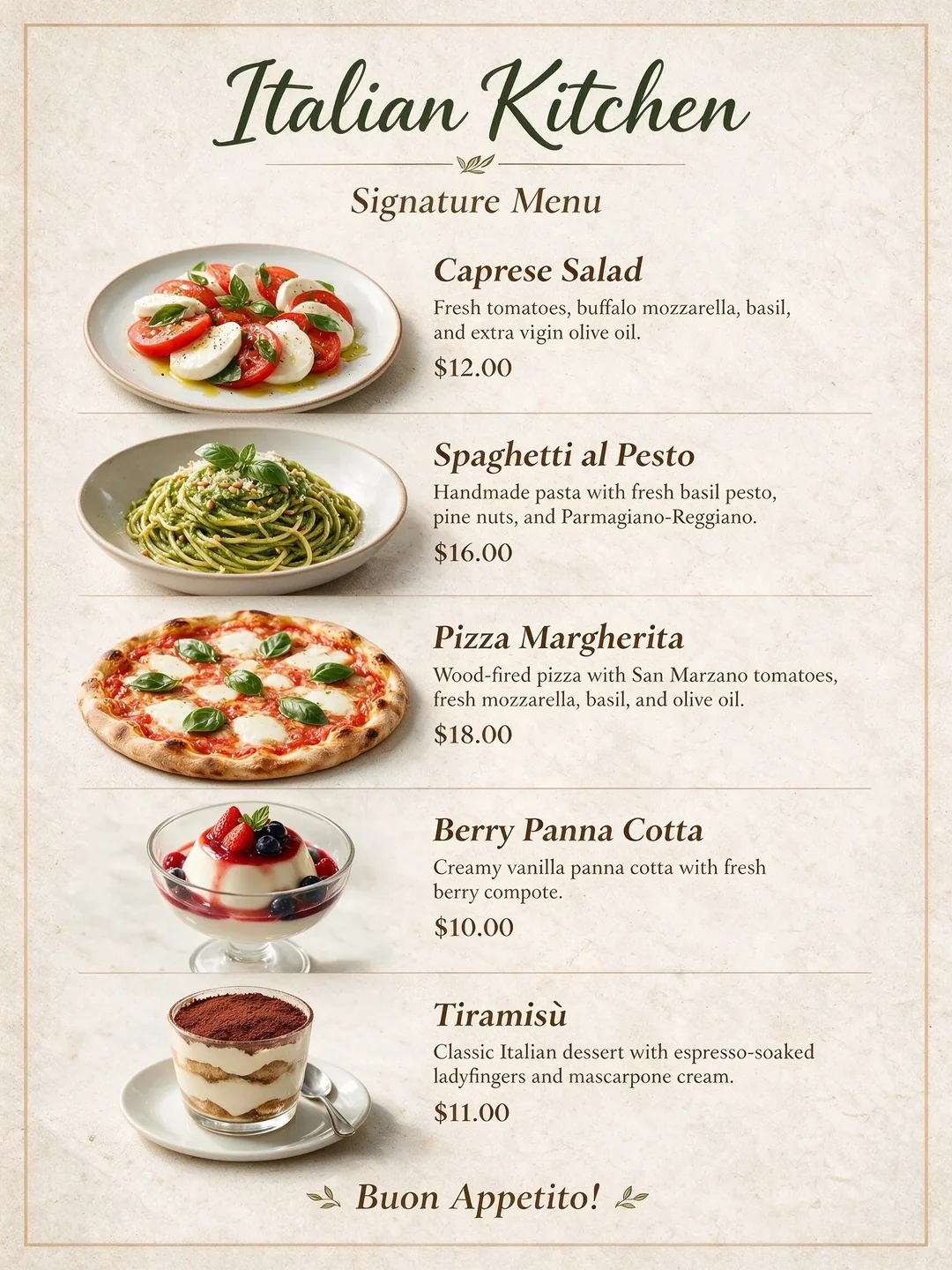
Layers, selections and AI in one canvas
A layered image editor where AI is part of every tool. Select an area or mark it up, describe the change, and the result lands as a new layer you can refine with brushes, effects and blend modes.
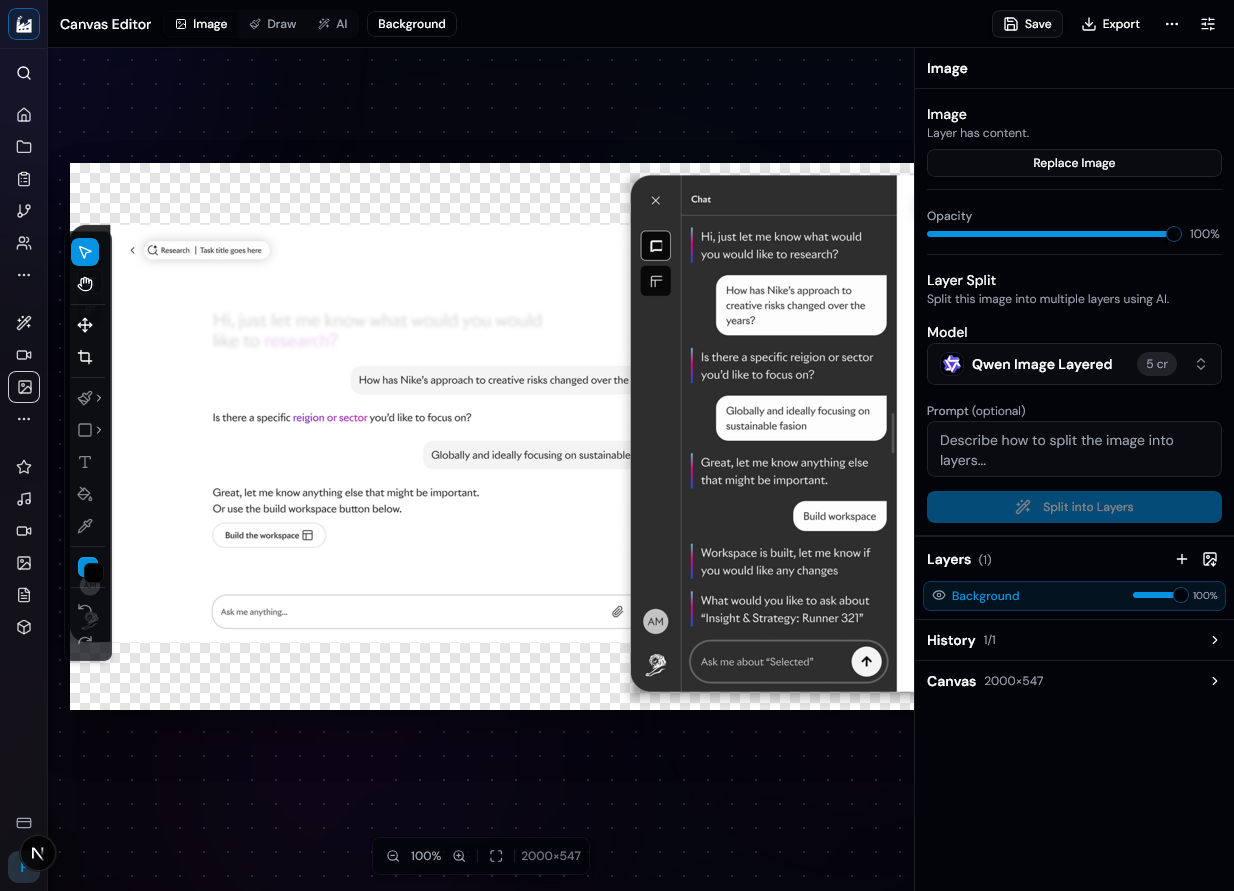
AI edits that respect your layers
Most AI editors hand back one flattened picture and hope for the best. The canvas editor treats every AI result as a layer: it remembers its prompt, keeps its variations, and only touches the pixels inside your selection. Everything else stays exactly as it was, and every step is one undo.
Start from whatever you have. Every path opens the same layered document.
Upload a file or pick one from your library. The canvas takes its size.
Describe an image, pick a size, and it is generated straight onto a new canvas.
Choose a social, print or web size, or enter your own up to 8192 px.
Draw a rough idea with the brush and let AI turn it into a finished image.
Keep the picture, change the look. The restyled version arrives as a new layer above the original.
Lay out up to nine images in a grid as separate layers. This one is free.
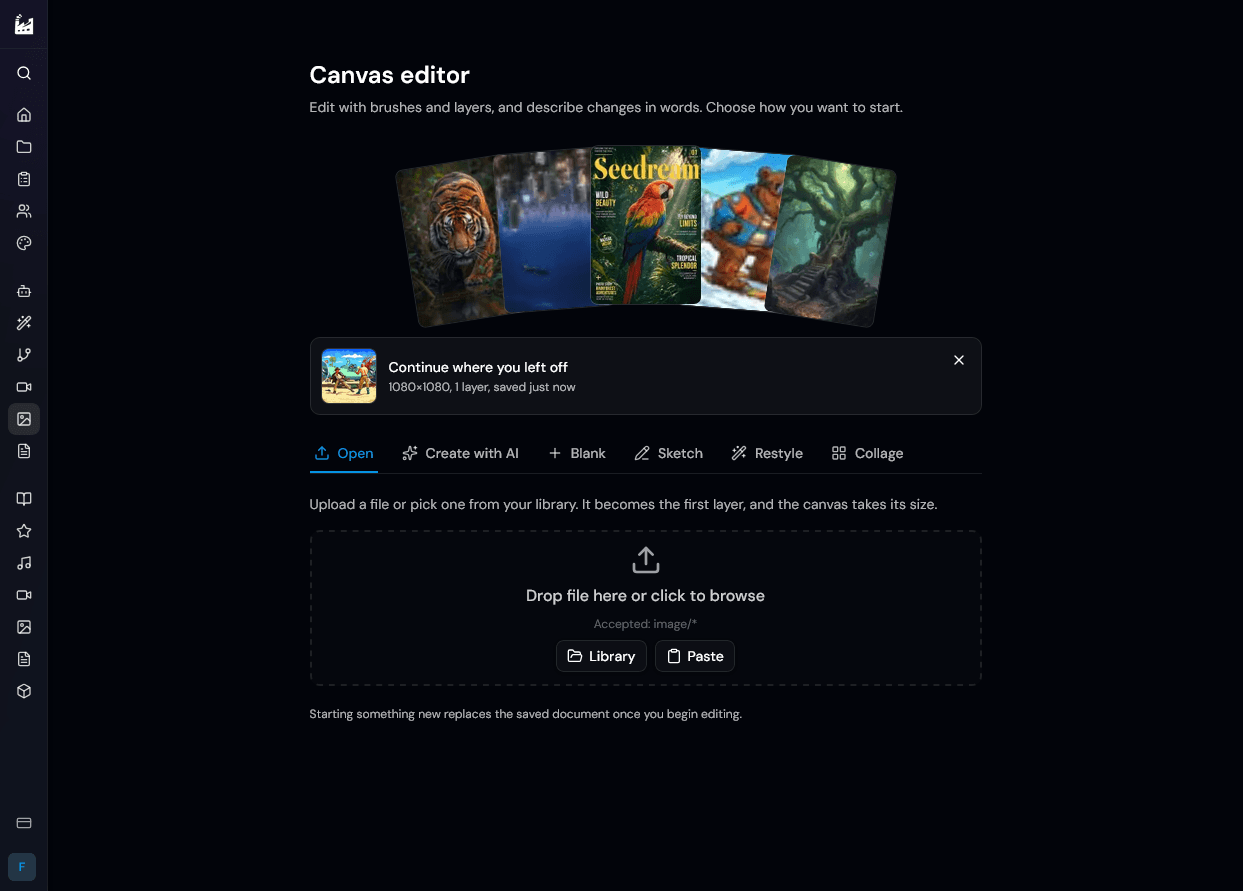
Your document is saved in the browser as you work, so Continue where you left off is always one click away.
One prompt bar, one selection model, and a layer for every result.
How an edit works
1.
The bar works out what to do from what is on screen. Nothing selected edits the whole image, a selection fills only that area, markup follows your marks, and dragging the crop box past the edge expands the canvas. The cost shows on the button before you press it.

2.
Use a rectangle, ellipse, lasso or select brush, or let AI select the subject for you. A fill is placed back through your selection, so the pixels around it are never touched.
3.
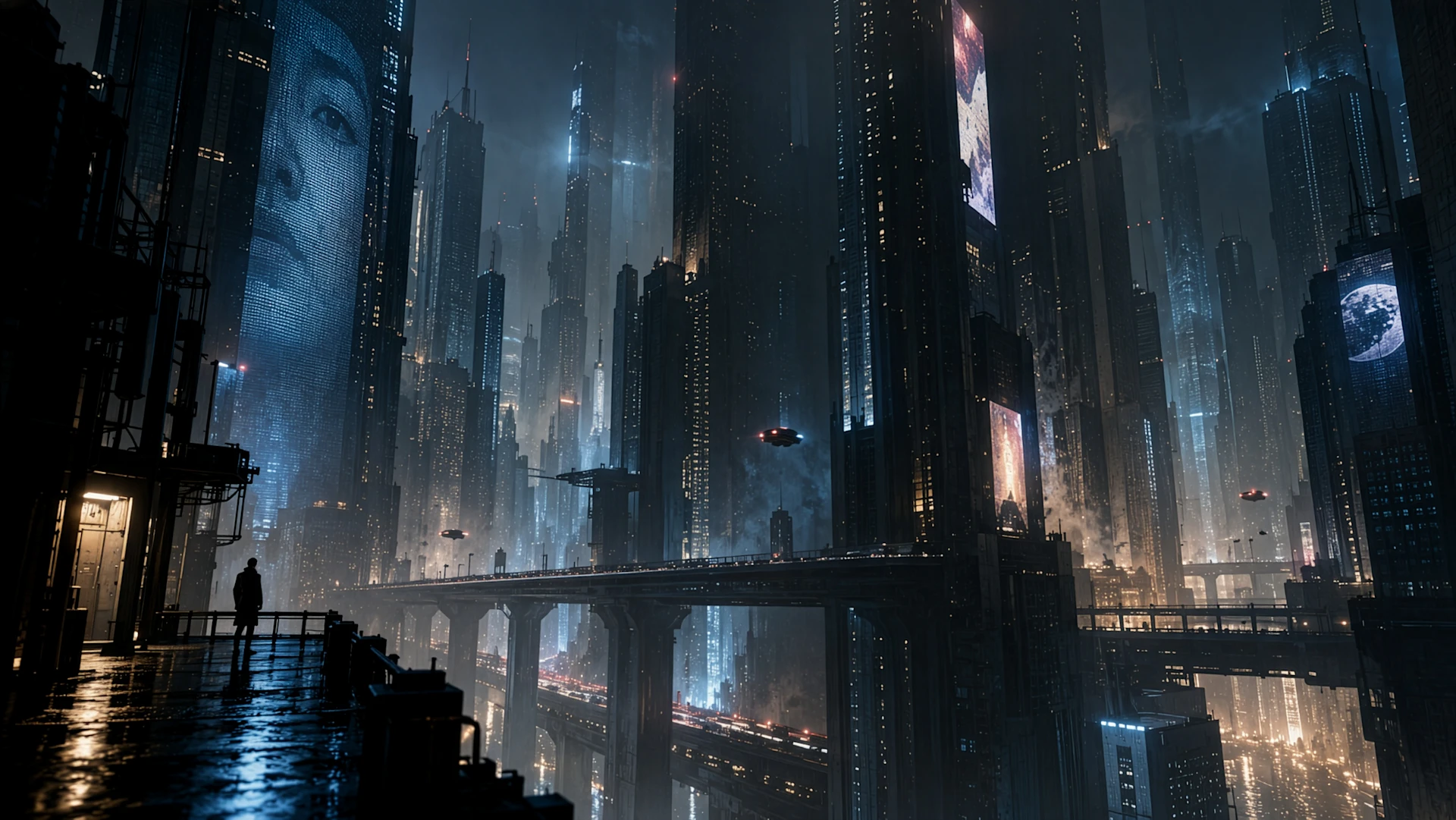
Draw arrows, circles and notes on the image to show where and how it should change. The marks guide the model, are removed from the result and never appear in an export.
4.
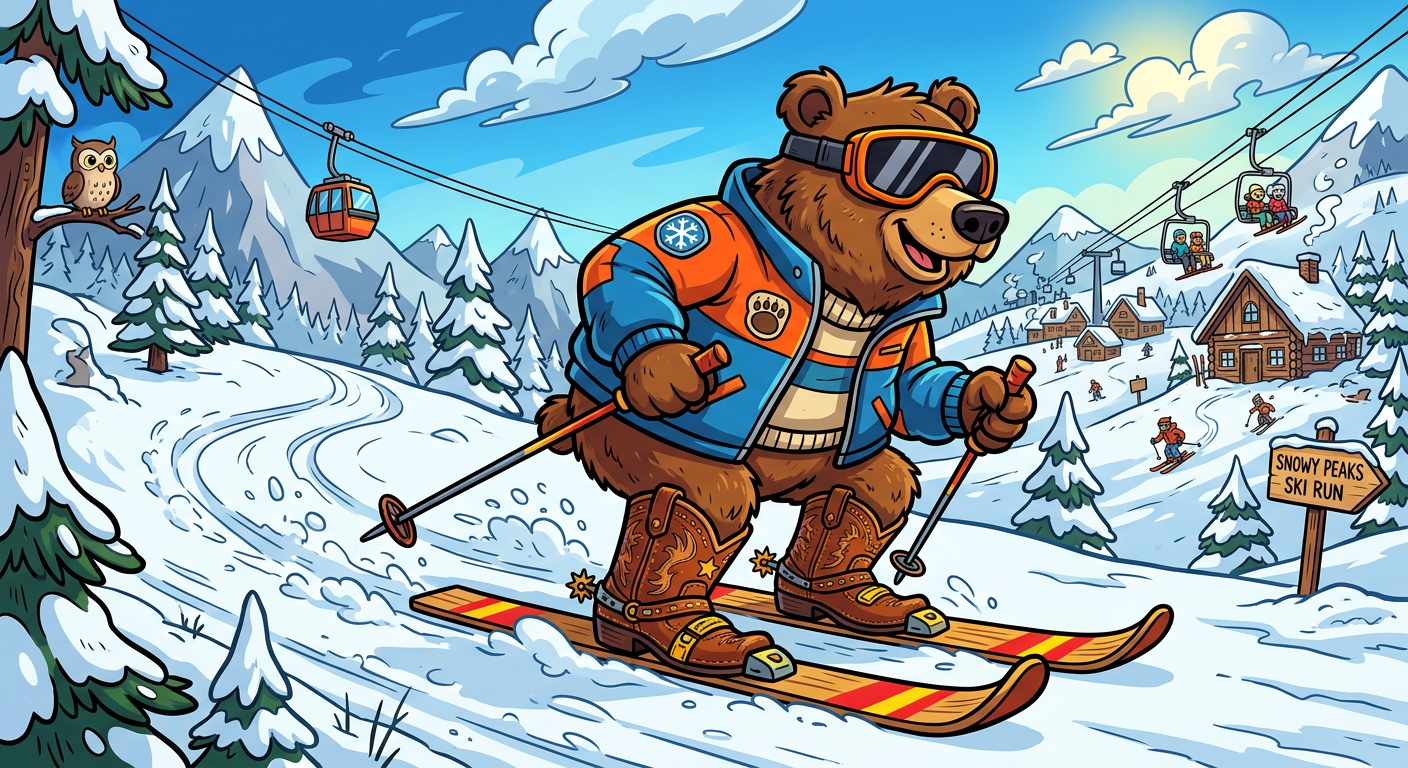
Each AI layer keeps its prompt and every variation it made. Switch between them for free, regenerate, ask for more like the one you picked, or hold a button to compare with what was there before.
Colour grades, film looks, grain, bloom and blur as a non-destructive stack. Change a parameter, switch an effect off, fade it, or apply it inside a selection only.
Select the subject, remove the background, upscale 2x or 4x, split an image into layers, try a garment on a person, or read a prompt back out of any image.
Pick a social, print or web format and smart-crop to it, or expand the canvas with AI to fill the new space. One undo brings the old shape back.
Add QR codes, website screenshots and collages as layers. Export at 1x, 2x or 4x with a text or brand-logo watermark that never touches your document.
The prompt bar starts with a sensible default and lets you switch whenever you like.
Generate, edit and fill with the newest image models. Every run shows its credit cost first.
Photo and design work that needs precision and AI in the same place.
Cut the product out, swap the background, polish the shot with a Look and export it in every size a shop asks for.
Start from a platform format, generate or restyle an image, add text and a logo, then reformat the result for the next network.
Draw a rough layout, let AI turn it into a finished image, and keep every variation as its own layer to compare.
Select what does not belong and remove it, fill a gap with something new, and fix the light with adjustments.
What the editor does, without the marketing words around it.
Most return a single flattened image. Here every AI result is a layer with its prompt and variations, and an edit inside a selection only changes that selection. You can refine the result afterwards with brushes, effects and blend modes.
Start free, and only pay for the AI steps you run.
What you get