
Many clients.One production line.
Keep each client's brand separate, then build the production pipeline once and run it per file, per client or per row of a spreadsheet. Repetitive delivery work stops scaling with headcount.
Throughput is the constraint, not creativity
Agency margin lives in the gap between what a client pays for and what the work actually costs to produce. The creative decisions are the valuable part; resizing the same asset into eleven placements, re-cutting a video per channel and rebuilding the same deck for a new market are not. faktry lets you wire that repetitive stretch into a pipeline once, attach it to a client brand profile, and run it as often as the retainer requires.
The agency toolkit
What turns per-file manual work into a repeatable production line.
Keep clients separate
A brand profile per client
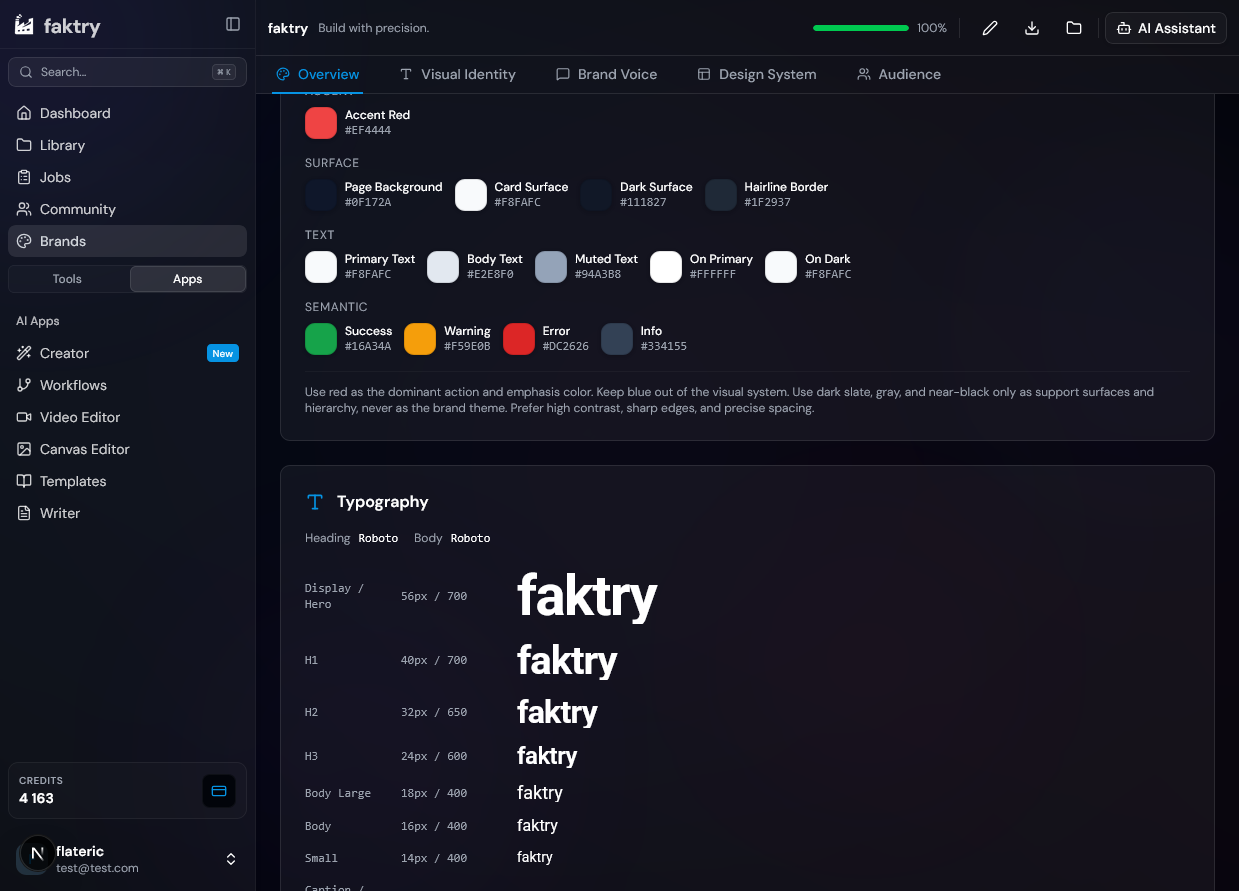
Logo, palette, typography, taglines and audience stored per client and injected into every generation. Switching accounts mid-day does not mean re-briefing the tool or checking a style guide.
One shared library
Every output lands in a searchable library and can be pulled into the next operation. Asset handover between people on the same account stops depending on who has which file locally.
One wallet, all clients
A single credit balance covers every client, operation and model. No per-provider subscription to allocate across accounts and no invoice reconciliation at month end.
Automate the delivery work
Visual pipeline builder
Wire a multi-step pipeline on a canvas: generate, resize, watermark, animate, export. Connections are type-checked as you draw them, and the whole graph saves as a reusable template.
Per-row batch runs
Add a data node, paste a CSV of products, markets or campaign lines, and reference any column inside a prompt. The pipeline executes once per row without manual repetition.
Workflow agent
Describe the pipeline you want and the agent proposes a plan, wires the graph and leaves it fully editable. Faster than building from an empty canvas on a tight deadline.
The models behind the workflow
Swap models from a dropdown. Same credit balance, no separate provider accounts.
Client visuals
Campaign creative, product shots and social assets



Motion deliverables
Ad cuts, animated stills and per-channel video



Voice and music
Voiceover, music beds and transcription for captions
 ElevenLabs
 OpenAI TTS
 Gemini TTS
 MiniMax Music
How agency production runs
The pipelines agencies actually build.
Onboard a new client
Create the brand profile, clone an existing pipeline, point it at the new profile, and the account is producing on-brand assets the same day rather than after a ramp-up week.
A catalogue from a spreadsheet
Import the client's product CSV, reference the columns in the prompt, and generate the full set of visuals and copy in a single run rather than one product at a time.
Agent-built pipelines
Describe the deliverable in plain language, let the agent wire the graph, then adjust the nodes it chose. Useful when a new brief needs a pipeline that does not exist yet.
The monthly retainer run
The recurring deliverable set becomes a saved pipeline that runs on the same cadence every month, so the retainer stops consuming senior time on mechanical work.
Capabilities at a glance
What an agency account actually touches across the platform.
Clients
- Brand profiles
- Shared library
- One wallet
- Commercial rights
Pipelines
- Visual builder
- 50+ nodes
- Templates
- JSON export
Batch
- CSV import
- Per-row runs
- Per-file runs
- Run monitor
Access
- Full API
- MCP server
- Usage tracking
- Execution history
Cost that tracks delivery, not headcount
One credit wallet across every client account.
Included on every account
Agency questions
What node-based AI platform works for agency client production?
The faktry node workflow builder is built for it. You wire a pipeline visually, attach it to a per-client brand profile, and run it per file or per row of an imported CSV. Pipelines save as templates and export as JSON, so client setups are repeatable and portable.
How do we keep several client brands from bleeding into each other?
Each client has its own brand profile with logo, palette, typography, taglines and audience. You select the profile before generating and the context switches with it, so one client's styling never leaks into another's deliverables.
How do we scale creative production without hiring proportionally?
Move the mechanical stretch into a pipeline. Building it once and running it per row means throughput grows with automation rather than headcount, and senior time goes back to the creative decisions clients are actually paying for.
Can we generate a whole product catalogue in one run?
Yes. Add a data node, paste the client's CSV, and reference any column inside a prompt or parameter. The pipeline executes once per row, so a few hundred products become a few hundred assets in a single run.
What if a brief needs a pipeline we have not built yet?
Describe it to the workflow agent. It proposes a plan, wires the graph and leaves everything editable, which is usually faster than starting from an empty canvas when the deadline is short.
Can we see what a pipeline actually did on a given run?
Yes. Execution history records per-node results, so you can trace which step produced which asset. That matters when a client queries an output weeks after delivery.
Is there per-seat billing?
No. Billing is credit-based, so cost tracks production volume rather than how many people have accounts. There is no licence to renegotiate when the team grows or shrinks between pitches.
Can we integrate this into our own systems?
Yes. The full API with usage tracking covers programmatic access, and the MCP server exposes every operation to Claude, Cursor, Windsurf and VS Code for teams that would rather drive it from their own tooling.
Explore the platform
The features and use cases next to this one.