AI + Image Processing Suite

Generate Stunning Images
with 20+ AI models.

Not just generation. faktry combines 20+ AI image models with a full professional processing toolkit — resize, convert, remove backgrounds, upscale, watermark, collage, and more. One platform replaces Midjourney, remove.bg, Canva, and CloudConvert.

The Only Platform That Generates AND Processes Images Professionally

Most teams use Midjourney or Flux for generation, then jump to remove.bg for background removal, Canva for resizing, and CloudConvert for format changes. faktry does all of it in one session. Generate images from text with 20+ AI models — choose Flux 2 Pro for photorealism, GPT-Image-1 for precise instruction-following, or Ideogram v3 for accuracy when your image needs readable text. Then remove backgrounds with one click, upscale with Topaz or SeedVR, resize to any social media dimension, add brand watermarks, create multi-image collages, and export to WebP, PNG, or JPG. No API keys, no separate subscriptions, no re-uploading files between tools. The entire pipeline runs in one place, and every result is automatically saved to your content library for reuse.

15 Image Operations

AI-powered generation and editing plus traditional processing tools — all in one suite.

AI-Powered Operations

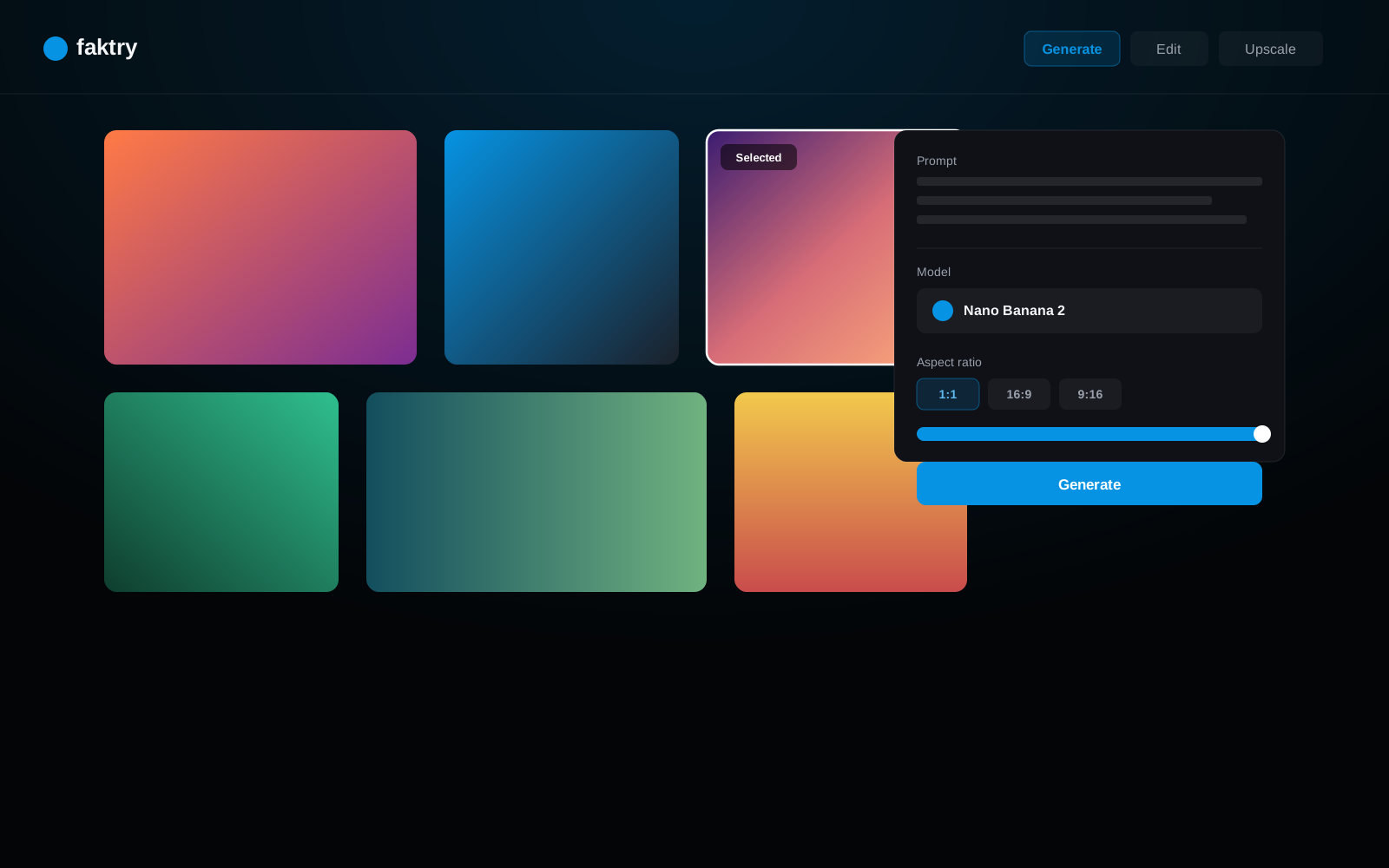
Generate

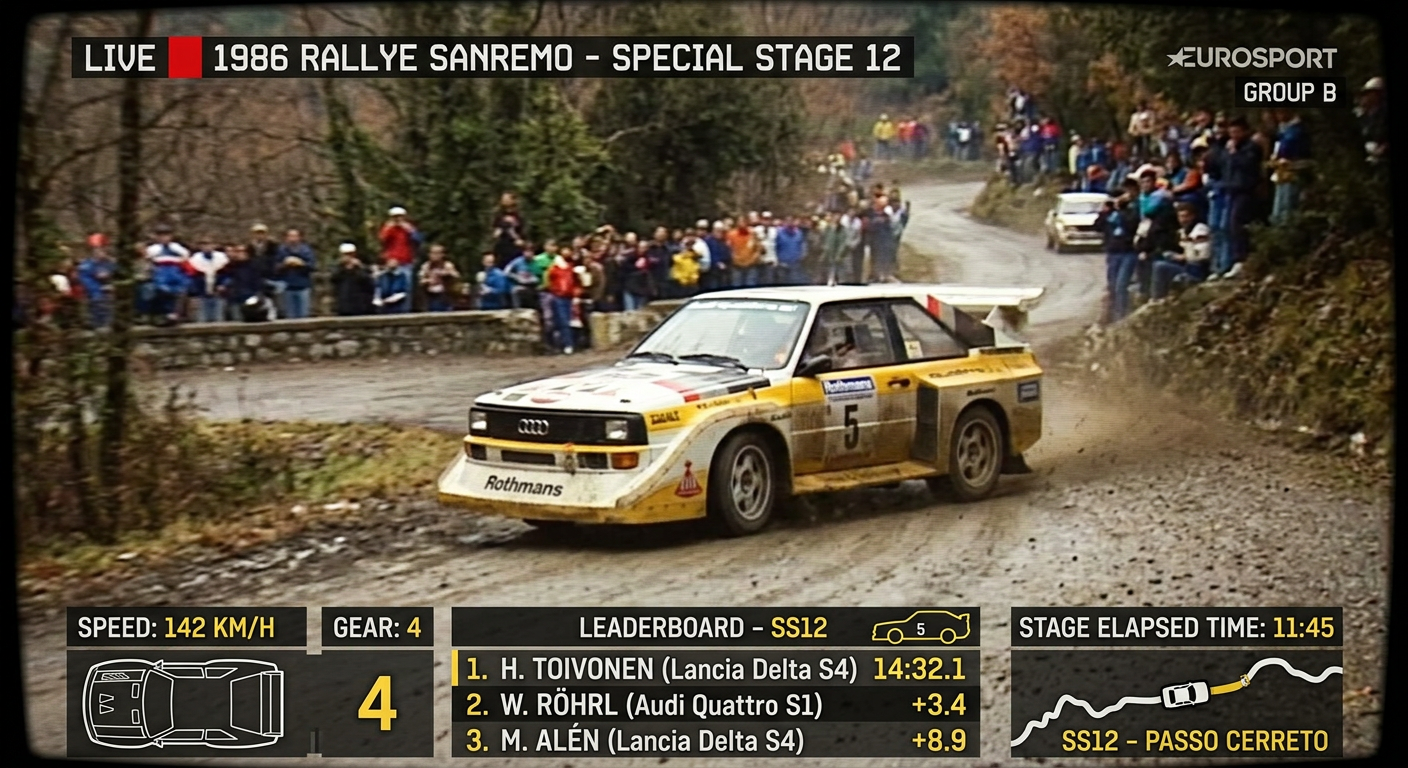
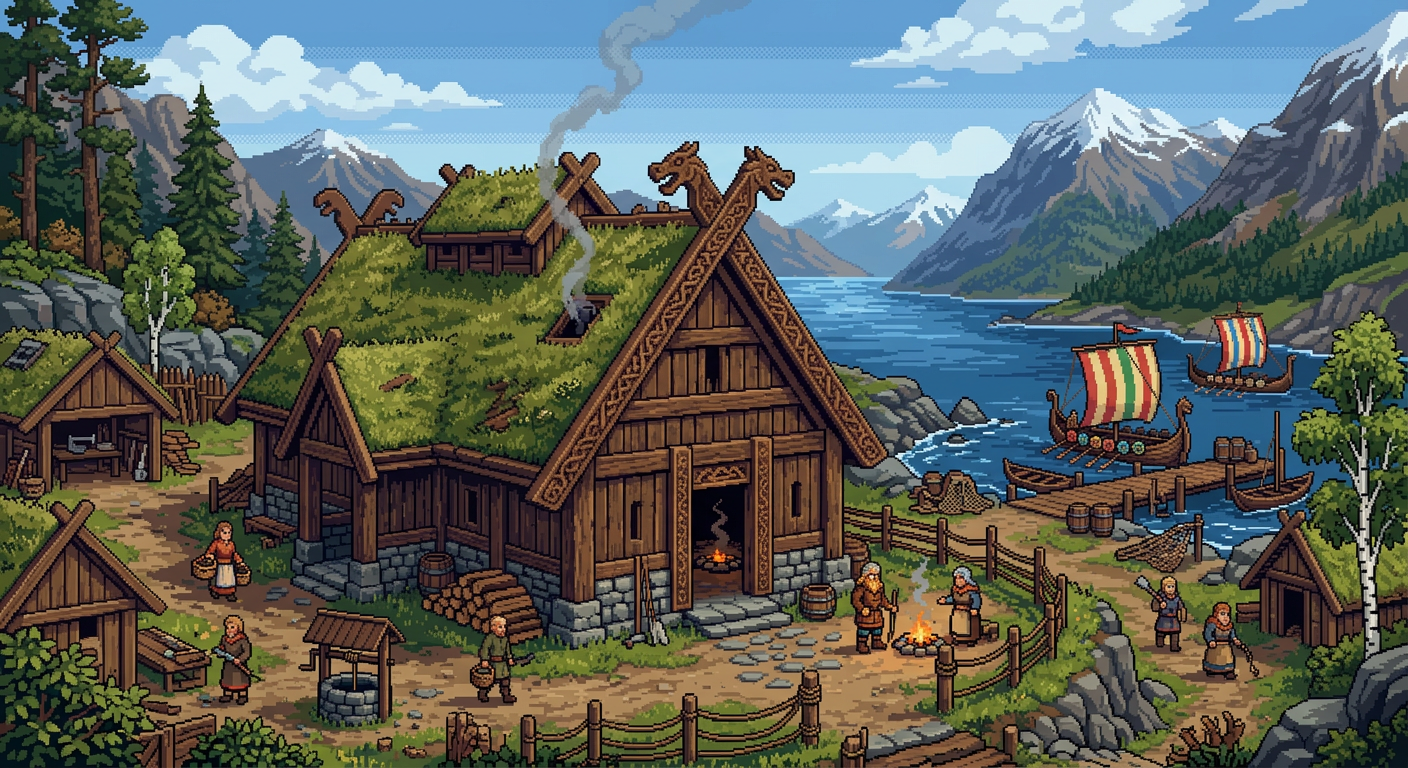
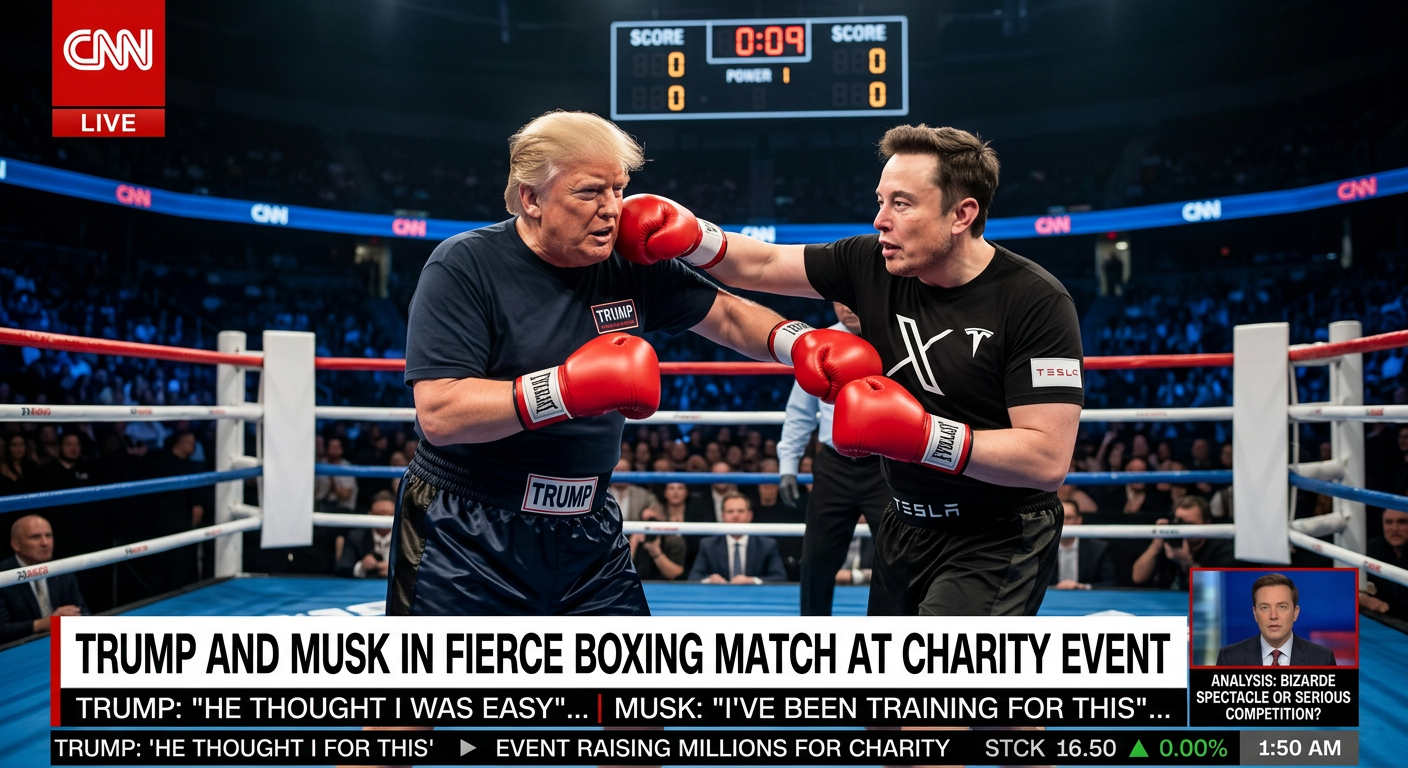
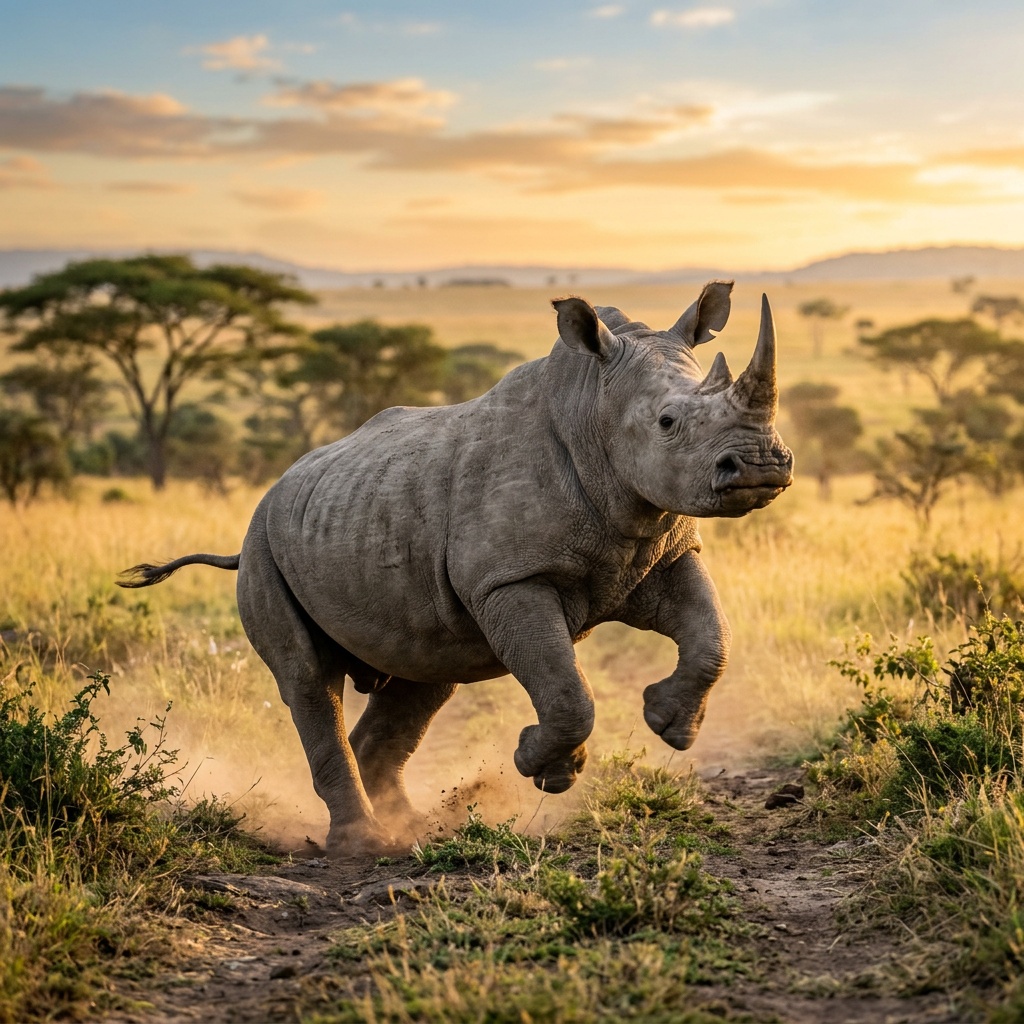
Create images from text with 20+ models: Flux 2 Pro/Max/Flex, GPT-Image-1, Ideogram v3, Seedream v4, Gemini, and more.

Edit

AI-powered image editing with natural language. Change backgrounds, swap objects, modify styles using Flux and GPT-Image models.

Inpaint

Replace, remove, or add anything in an existing image without regenerating the whole thing. Draw a mask over the area you want to change, write a prompt describing what should replace it, and the AI reconstructs only the masked region while leaving the rest untouched. Use it to remove unwanted objects from product photos, swap out clothing colors, add props to scenes, or fix generation artifacts — all powered by the same Flux and GPT-Image models used for full generation.

Remove Background

Remove any background from photos or AI-generated images with a single click. The AI model segments the foreground subject precisely — handling complex edges like hair, fur, and semi-transparent objects — and returns a PNG with a transparent background. The result is immediately available for compositing: place the cutout on a new background, use it in a collage, or export it directly for e-commerce platforms like Amazon and Shopify where transparent or white backgrounds are required.

Upscale

Enlarge images by 2x or 4x while recovering fine detail that standard upscalers lose. faktry offers three upscaling models: Topaz for photo-realistic enhancement of portraits and product shots, Recraft v3 for illustrated and graphic content, and SeedVR for AI-generated images that need to match their original style. The result is a high-resolution file ready for print, large-format display, or high-DPI screen use — without the pixelation of conventional bicubic scaling.

Vision Analysis

Extract insights from images using GPT-4o and o4-mini. Describe, analyze, and understand visual content.

Create Layers

Generate image layers for compositing. Create transparent overlays and multi-layer compositions.

Zoom Video

Turn any static image into a cinematic zoom video — the camera pushes into the scene, revealing depth and motion that make the image feel alive. Upload a product photo, a generated image, or any still and select your zoom direction and speed. The result is a polished MP4 clip ready for social media posts, presentations, or as a scene in a longer video production. Zoom Video is one of the few operations that bridges the image and video suites: generate an image with Flux or GPT-Image-1, then immediately animate it into a video — all without switching tools.

Processing & Conversion

Resize

Resize images to any dimension. Maintain aspect ratio or set custom dimensions. Batch resize support.

Convert Formats

Convert between JPG, PNG, WebP, and GIF. Control quality, compression, and metadata.

Add Watermark

Apply text or image watermarks. Control position, opacity, size, and tiling.

Create Collage

Combine multiple images into grid or custom layouts. Control spacing, backgrounds, and arrangement.

Screenshot

Capture screenshots from URLs. Set viewport size, wait for load, and capture full pages.

Combine Images

Merge images horizontally, vertically, or in custom arrangements. Create before/after comparisons.

Apply Effects

Apply filters and effects: blur, sharpen, grayscale, sepia, brightness, contrast adjustments.

20+ AI Image Models

Access the best image generation models from leading providers — all through one platform.

Flux 2 Pro
BFL
Flux 2 Max
BFL
Flux 2 Flex
BFL
GPT-Image-1
OpenAI
GPT-Image-1.5
OpenAI
DALL-E 3
OpenAI
Ideogram v3
Ideogram
Seedream v4
ByteDance
Seedream v4.5
ByteDance
Gemini Flash
Google
Gemini Pro
Google
Nano Banana 2
Moonshot
Reve
Reve
Recraft v3
Recraft
Midjourney Edit
Midjourney

From Creation to Production

Generate, then process. The complete pipeline for professional image work.

E-commerce

An e-commerce team receives 50 product photos with inconsistent backgrounds. A faktry pipeline removes the background from each photo, upscales every image to 3000px for print-quality catalog use, resizes to the three dimension sets required by Amazon, Shopify, and their custom storefront, adds a brand watermark to the corner, and exports all 150 final files to WebP. The pipeline runs once and delivers everything in one batch — work that previously required a full day of manual Photoshop editing.

AI generation
Background removal
Watermarking

Social Media

A social media manager generates a hero image for a product launch using Flux 2 Pro. They need the same visual for Instagram (1:1 square), TikTok (9:16 portrait), and a blog header (16:9 landscape). faktry resizes the original to all three formats in one operation, applies the same filter preset to each, and exports all versions simultaneously. The entire multi-platform asset set is ready in under 3 minutes — no Canva, no manual cropping, no re-uploading.

AI generation
Multi-format resize
Effects & filters

Content Marketing

A content team needs a visual for each of 12 blog posts in a publishing sprint. They generate one hero image per post using Gemini Flash for speed, batch-create collages combining each hero with supporting screenshots, resize all to 1200x630px for Open Graph preview, convert to WebP for fast page load, and download everything as a single ZIP. The entire month's worth of blog imagery is produced, formatted, and optimized for SEO in a single session.

AI generation
Collage creation
Format conversion

Batch Processing

A photography studio uploads 200 product shots that need consistent treatment for a client catalog delivery. Using faktry's batch processing, all 200 images get background removal applied, are resized to three catalog sizes, converted from JPG to WebP for web delivery, and watermarked with the client's logo in one pipeline run. What would take 4–6 hours of repetitive Photoshop work completes automatically — freeing the team to focus on the next shoot.

Bulk upload
Batch resize
Bulk export

Complete Image Processing

Generate with AI. Process with professional tools. All in one place.

15 operations includedFREE CREDITS

20+ AI generation models
Background removal & upscaling
Resize, convert, watermark
Collage, combine, effects
Get Started Now

Frequently Asked Questions

Which AI model produces the most realistic images?

Flux 2 Pro (Black Forest Labs) consistently produces the highest photorealistic quality and handles complex lighting, texture, and composition. GPT-Image-1 (OpenAI) excels at following precise instructions and generating images with accurate text. Seedream v4.5 (ByteDance) is strong for portraits and human subjects. For artistic or illustrated styles, Ideogram v3 and Recraft v3 are the top choices.

How do I remove the background from an image?

Use the Remove Background operation. Upload your image and faktry's AI model automatically segments the foreground subject and returns a PNG with a transparent background. The model handles complex edges including hair, fur, and semi-transparent objects. The output is immediately available for compositing on a new background or direct use in e-commerce platforms that require transparent product images.

What is AI inpainting and how does it work?

Inpainting lets you modify specific regions of an image without regenerating the whole thing. You draw a mask over the area you want to change, write a text description of what should replace it, and the AI fills in only that masked area while leaving the rest of the image untouched. Common uses: removing unwanted objects from photos, changing product colors, fixing generation artifacts, or adding elements to an existing scene.

Can I upscale a low-resolution image?

Yes. The Upscale operation supports 2x and 4x enlargement using Topaz (best for photos), Recraft v3 (best for graphics and illustrations), and SeedVR (optimized for AI-generated images). Unlike standard bicubic upscaling, these AI models recover fine detail rather than just stretching pixels — the result is a sharp, high-resolution file suitable for print or large-format display.

How do I resize images for multiple social media platforms?

Use the Resize operation and set your target dimensions. Common presets include 1080x1080 (Instagram square), 1080x1920 (Stories/TikTok), 1280x720 (YouTube thumbnail), and 1200x630 (Open Graph/Facebook). You can batch-resize one image to multiple formats in a single operation and export all versions at once — no manual re-cropping per platform.

Can I generate product photos for e-commerce?

Yes. Generate product images from text prompts using Flux 2 Pro or GPT-Image-1, remove the background to get a clean cutout on transparent background, resize to the exact pixel dimensions required by your platform (Amazon, Shopify, etc.), and add a brand watermark. The entire pipeline from text prompt to catalog-ready product image can be automated using node workflows for processing entire product catalogs.