Transcribe, Clone Voices & Generate
audio with AI.
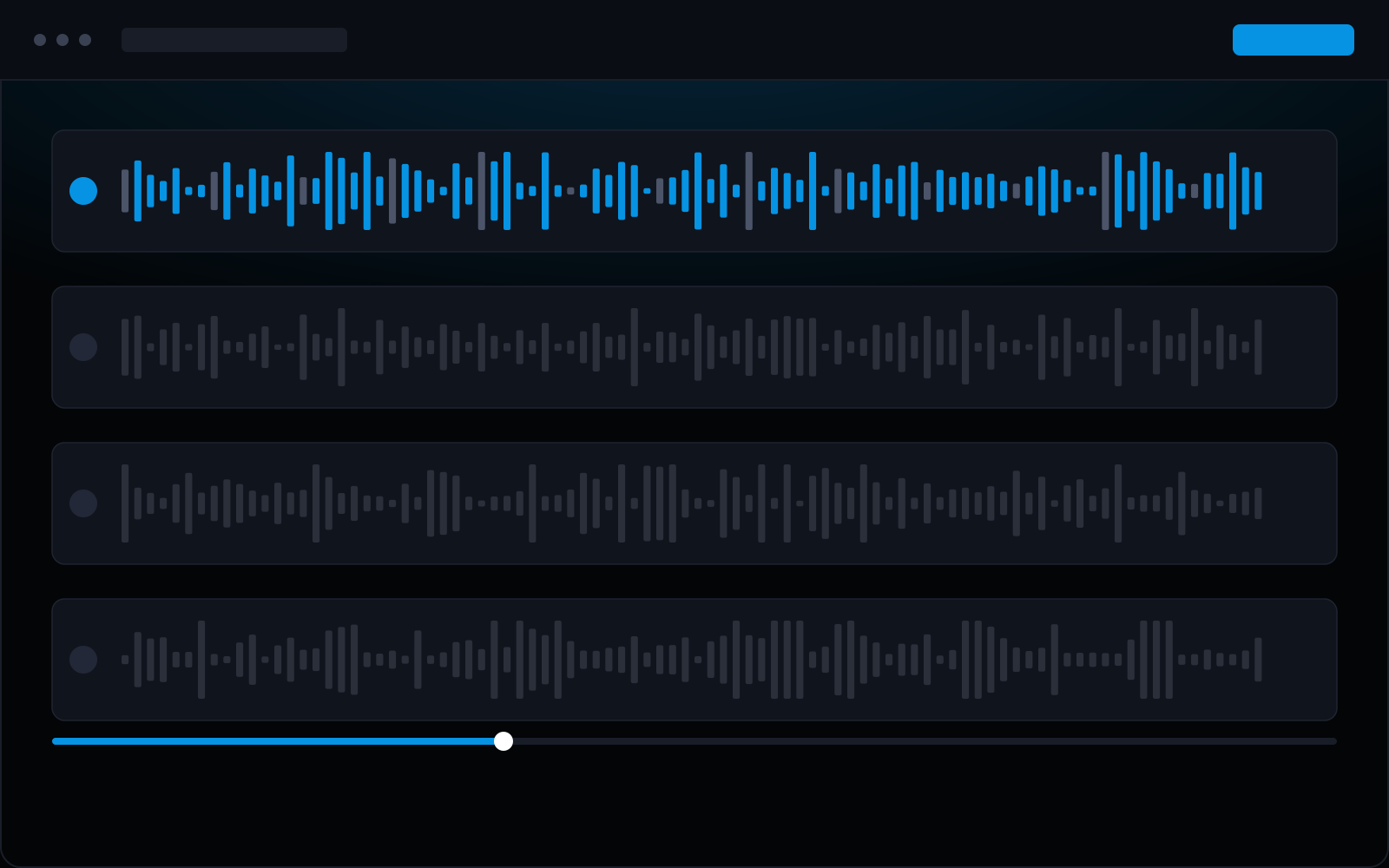
Replace your entire audio stack with one platform. Transcribe with Whisper or ElevenLabs Scribe (with speaker diarization), generate speech in 24 languages with Gemini TTS, clone voices, create AI music, and professionally mix, trim, convert, and merge audio files.
One Suite Replaces Your Entire Audio Stack
Most creators juggle three or four tools: one for transcription, one for TTS, one for voice cloning, one for audio editing. faktry replaces all of them. Transcribe an interview with ElevenLabs Scribe v2 — complete with speaker labels that identify who said what — or use Whisper for 99% accuracy across 50+ languages. Generate polished voiceovers with Gemini TTS 2.5 (24 languages), ElevenLabs v3, Qwen 3 TTS, or standard OpenAI voices. Clone a voice from a short sample for consistent narration across projects. Add AI-generated background music from MiniMax Music v2 or Beatoven, then mix, trim, merge, and convert the final output — all without leaving your browser. Every file is automatically saved to your content library.
9 Audio Operations
AI-powered speech and music generation plus professional editing tools — all in one suite.
AI-Powered Operations
Transcribe
Upload any audio or video file and faktry converts speech to text using your choice of model. Whisper-1 (OpenAI) delivers 99% accuracy across 50+ languages with output in plain text, SRT subtitle format, VTT, or timestamped JSON. ElevenLabs Scribe v2 adds speaker diarization — it automatically identifies who is speaking and labels each segment, making it ideal for podcast interviews, board meeting recordings, and multi-speaker content. A 60-minute recording typically completes in under 2 minutes.
Generate Speech
Convert any text into natural-sounding speech with a choice of five TTS engines. OpenAI TTS-1 and TTS-1-HD offer fast, clear output in multiple voices and emotional styles. ElevenLabs v3 delivers expressive speech with fine-grained control over pacing and tone. Gemini TTS 2.5 Flash and Pro cover 24 languages for multilingual voiceover production. Qwen 3 TTS (Alibaba) adds 11 more language options with built-in voice cloning — upload a short sample and generate narration in that exact voice.
Clone Voice
Create custom voices with ElevenLabs voice cloning. Upload a sample and generate speech in that voice.
Generate Music
Generate royalty-free background music and full soundtracks on demand. Beatoven AI creates mood-matched compositions from a text prompt — specify genre, tempo, and duration and receive a unique track every time. MiniMax Music v2 and v2.6 go further with lyrics generation, so you can produce complete songs with vocals, not just instrumentals. Both engines produce audio you own outright, with no licensing fees or attribution requirements for commercial use.
Processing & Conversion
Convert Formats
Convert between MP3, WAV, OGG, FLAC, AAC, and more. Control bitrate, sample rate, and quality.
Mix Audio
Mix multiple audio tracks together. Control volume levels, pan, and timing for each track.
Trim Audio
Cut audio to precise timestamps. Set start and end points with millisecond accuracy.
Merge Audio
Combine multiple audio files into one. Add crossfades and handle format differences.
Download Audio
Extract audio directly from YouTube, SoundCloud, Vimeo, and Bandcamp URLs — no separate downloader needed. Paste the URL, choose your output format (MP3, WAV, FLAC), and the audio is saved straight to your content library. Useful for pulling reference tracks, archiving your own published content, or building source material for podcast clips and remixes. The downloaded file is immediately available for trimming, mixing, or transcription in the same session.
AI Models & Providers
Access the best audio AI models from leading providers — all through one platform.
Whisper + ElevenLabs Scribe
Whisper-1 (OpenAI) for 99% accuracy across 50+ languages with SRT/VTT output. ElevenLabs Scribe v2 adds speaker diarization — ideal for interviews and multi-speaker recordings.
OpenAI & Gemini TTS
OpenAI TTS-1-HD for fast, clear output. Gemini TTS 2.5 Flash and Pro cover 24 languages for multilingual voiceover production.
ElevenLabs & Qwen 3 TTS
ElevenLabs v3 for expressive, emotionally controlled narration. Qwen 3 TTS (Alibaba) adds 11 language options with built-in voice cloning from a short audio sample.
Beatoven & MiniMax Music
Beatoven AI generates mood-matched instrumentals from a text prompt. MiniMax Music v2 and v2.6 go further with lyrics generation — produce complete songs with vocals for commercial use.
From Recording to Production
Transcribe, generate, edit, and export. The complete audio pipeline.
Podcasting
A podcaster uploads a raw 45-minute interview recording. faktry transcribes it in 90 seconds using ElevenLabs Scribe v2, automatically labeling each speaker in the transcript. The transcript becomes the show notes draft. They trim silence from the audio, mix in an AI-generated intro jingle from MiniMax Music, and export the final episode as MP3 — optimized for Spotify, Apple Podcasts, and RSS. The entire post-production workflow completes in under 15 minutes, with every file saved to the content library.
Video Voiceover
A video creator writes a 200-word product description script and generates a studio-quality voiceover using Gemini TTS 2.5 Pro in both Spanish and English simultaneously. They trim each audio file to precise start and end timestamps, removing breath pauses between sentences. Both files are exported as WAV for use in the video editing timeline — a bilingual voiceover for a 2-minute product video, produced in minutes with no recording booth, no microphone, and no separate audio software.
Content Creation
A social media manager needs background music for a brand reel. They prompt MiniMax Music v2 for an upbeat 30-second track matching their brand energy, then clone the brand spokesperson's voice via Qwen 3 TTS and generate a narration in that exact voice. The music and voiceover are mixed together with per-track volume control, and the final audio file is exported as MP3 for the video editor. Complete audio production — music generation, voice cloning, mixing — in a single workflow.
Accessibility
An educational team uploads lecture recordings from a course. Whisper-1 transcribes each session with timestamps and outputs SRT subtitle files for the video team and plain text summaries for the content team. The text summaries are converted to audio using OpenAI TTS so students can listen on commutes. All files — transcripts, subtitles, and audio summaries — are automatically organized in the content library and available for the next production step without re-uploading or switching tools.
Complete Audio Processing
Transcribe with AI. Generate speech and music. Mix and convert. All in one place.
9 operations includedFREE CREDITS
Frequently Asked Questions
How do I transcribe audio to text with AI?
Upload any audio or video file and select your transcription model. Whisper-1 (OpenAI) supports 50+ languages with 99% accuracy and outputs plain text, SRT, VTT, or timestamped JSON. ElevenLabs Scribe v2 additionally identifies and labels individual speakers — ideal for interviews and multi-person recordings. A one-hour file typically transcribes in under 2 minutes.
Which AI voice is best for voiceovers?
It depends on your language and style requirements. ElevenLabs v3 produces the most emotionally expressive output and is best for storytelling and character narration. Gemini TTS 2.5 covers 24 languages and works well for multilingual content. OpenAI TTS-1-HD delivers consistent, natural-sounding speech at high speed. For voice cloning — generating audio in a specific person's voice — use Qwen 3 TTS or ElevenLabs cloning.
How does speaker diarization work?
Speaker diarization automatically identifies and labels different speakers in a recording. When you transcribe using ElevenLabs Scribe v2, the output includes speaker labels (e.g., 'Speaker 1', 'Speaker 2') alongside each segment of text. This makes it easy to format podcast transcripts, create attributed interview quotes, and produce meeting minutes without manually identifying who said what.
Can I generate royalty-free music with AI?
Yes. Beatoven AI generates mood-matched background music from a text prompt — specify genre, tempo, and duration. MiniMax Music v2 and v2.6 can generate complete songs including vocals from lyrics you provide. All AI-generated music in faktry is royalty-free for commercial use — no licensing fees, no attribution requirements.
What audio formats does faktry support?
faktry accepts and outputs MP3, WAV, OGG, FLAC, AAC, and M4A. You can convert between any of these formats while controlling bitrate, sample rate, and quality. For video files used as audio input (e.g., for transcription), MP4 and MOV are also supported.
How do I add an AI voiceover to a video?
Generate your voiceover audio using any TTS model in the audio suite, then use the video suite's Replace Audio operation to swap the video's existing audio track with your generated voiceover. The two operations work together seamlessly — generate the audio file in one step, then apply it to the video in the next, all without leaving faktry.
Explore More Suites
Complete media processing across all formats
Image Suite
15 operations: Generate, edit, upscale, resize, convert, watermark.
Video Suite
15 operations: Generate, edit, trim, merge, convert, GIF creation.
Document Suite
9 operations: Merge, split, compress, extract, create, encrypt.
AI Writer
Generate blog posts, copy, scripts, and social content with GPT-5.
Workflow Pipelines
Automate audio processing pipelines — batch transcribe, generate, and export.