
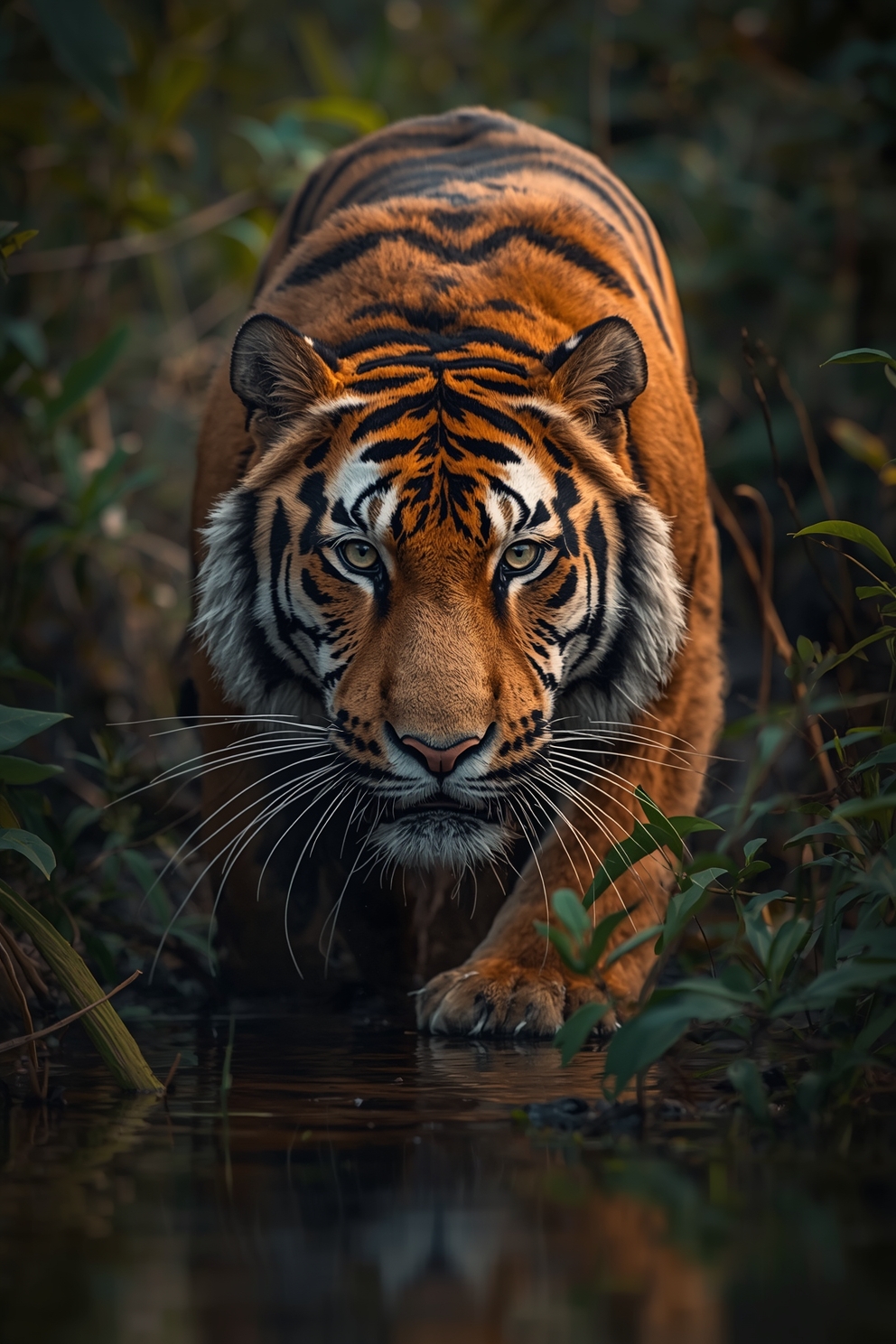
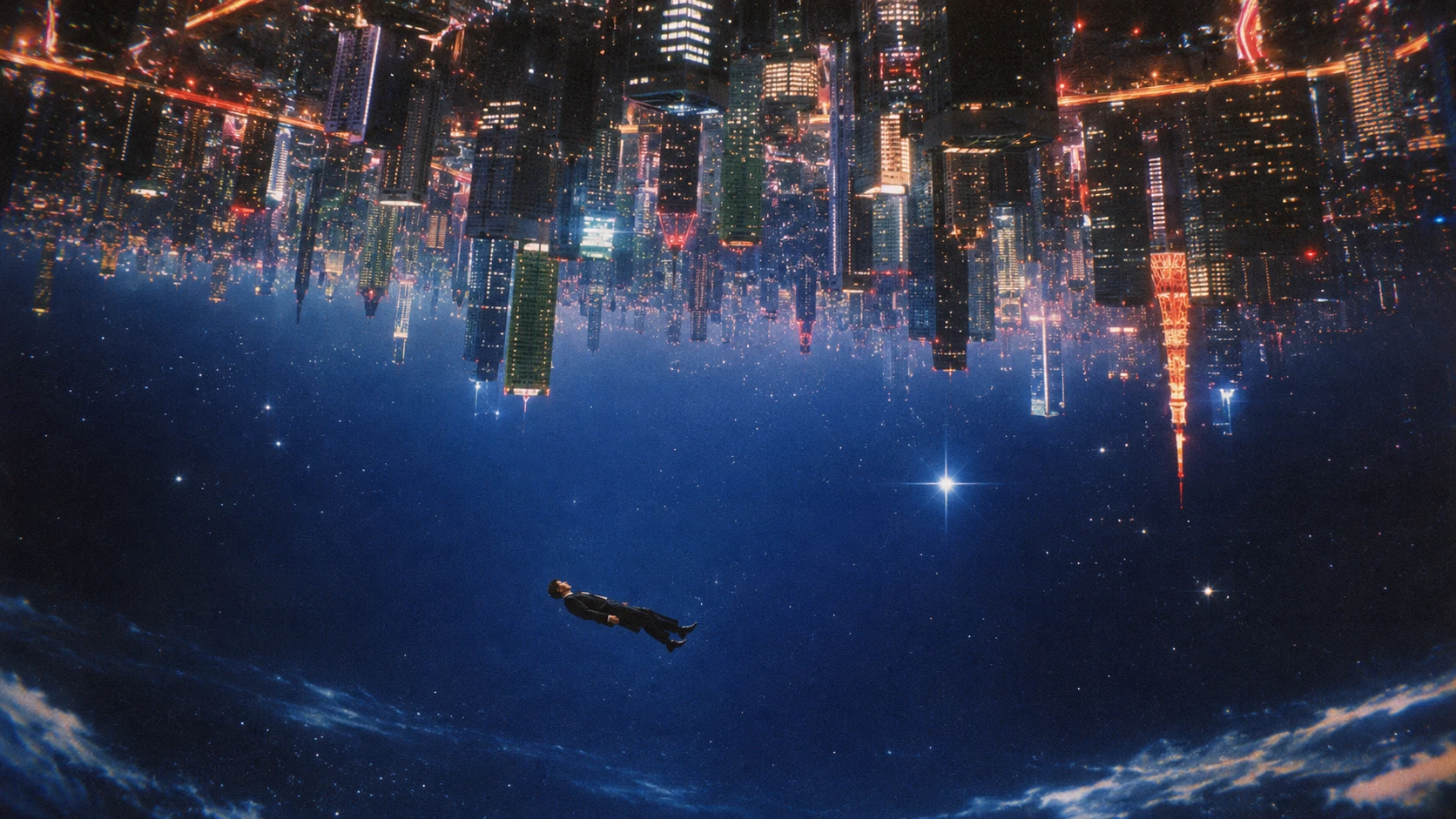
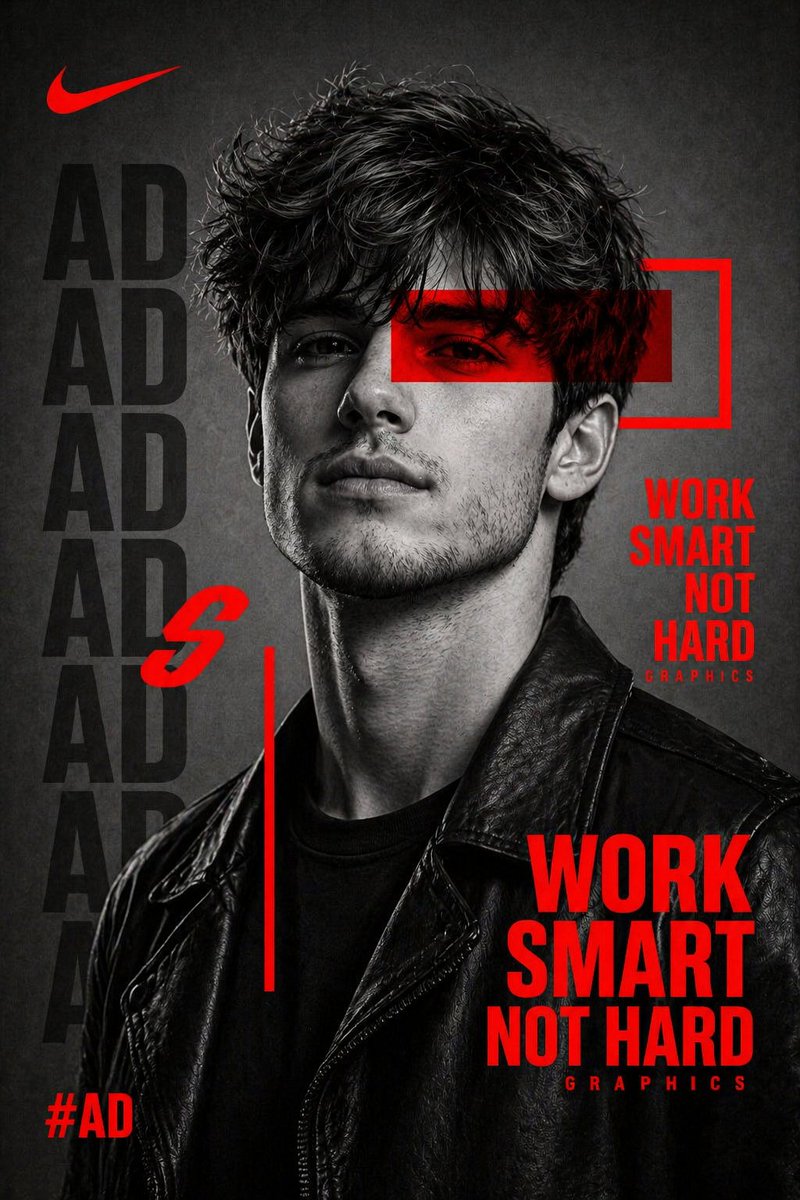
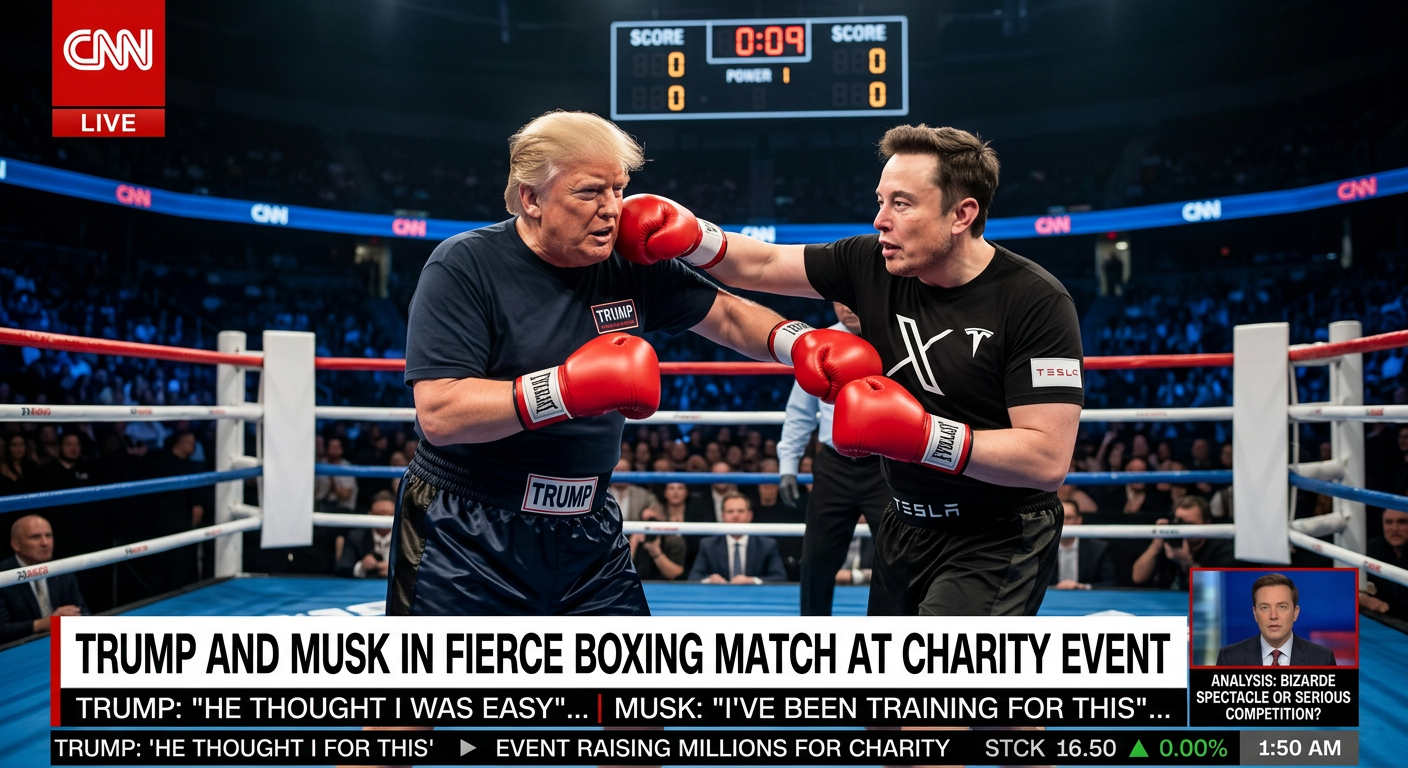



Generate images, video & audioin one continuous workspace.
Skip the single-operation forms. The Creator is one chat-style composer for every image, video, and audio operation - switch tools without leaving the page, chain any result straight into the next generation, and pull in templates or past history with a single click.

Built for Volume, Not One-Off Generations
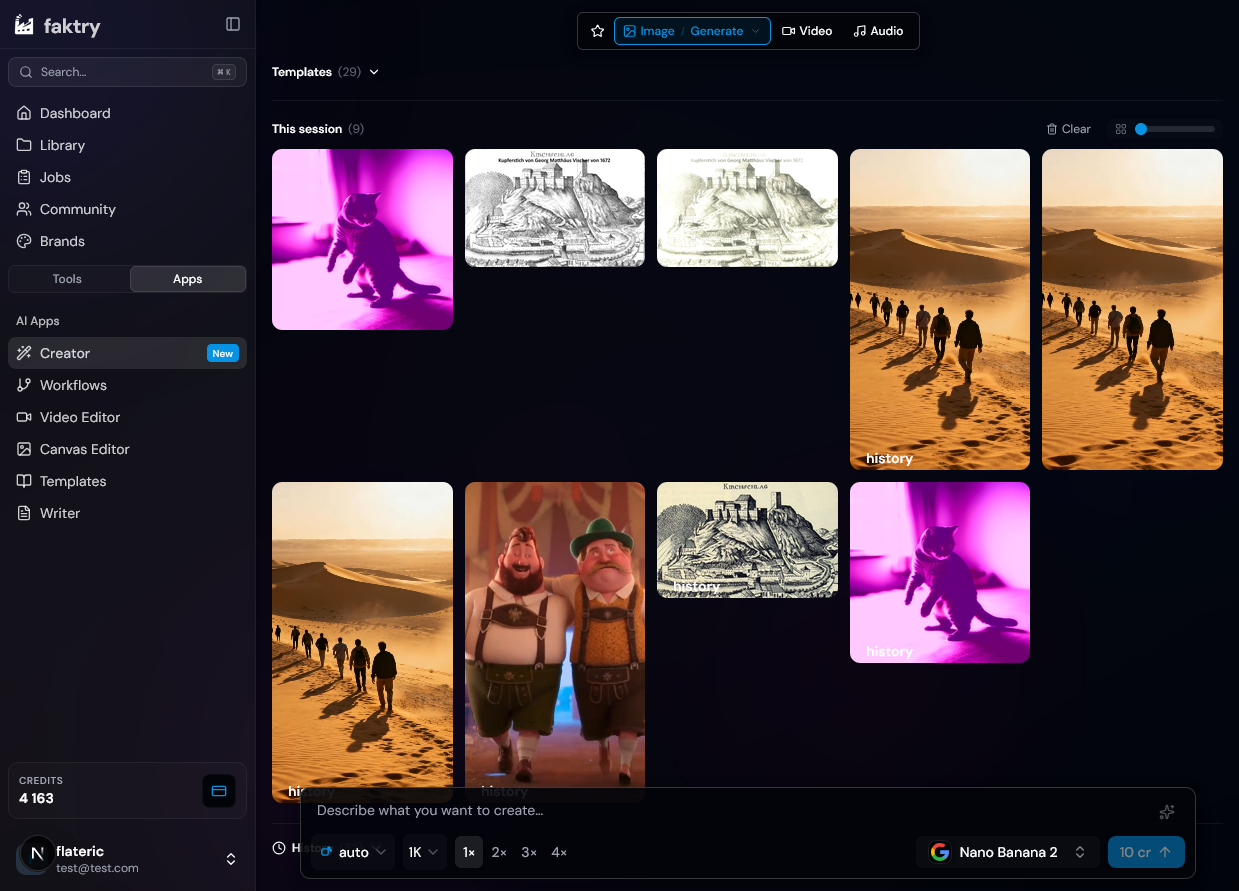
The classic tool pages are built around a single operation: pick a model, fill a form, get one result. The Creator is built around the session instead. A floating rail switches between image, video, and audio and every action each one supports; a single composer at the bottom handles prompts, files, and parameters for whichever operation is selected; and every result - past or present - lands in one canvas you can keep working from. Generate a batch of product images, chain the best one into image-to-video, add an AI voiceover, and pull a matching template in along the way, without a single download-and-reupload round trip.
What Makes the Creator Different
Every classic single-operation tool, rebuilt around a session you can keep building on.
The Workspace
Unified Composer
One chat-style input bar handles every operation - image generate, edit, upscale, inpaint, outpaint; video text-to-video, image-to-video, avatar, motion control; speech and music generation. Switch mode and action from the floating rail without ever losing your place.
Instant Chaining
Turn any result into the next input with a single click. Generate an image, chain it straight into image-to-video, then chain that clip into an upscale or a subtitle pass - all without downloading and re-uploading a single file.
Session Board
Every generation in the current session lands in one scrollable grid. Multi-select tiles to merge clips, batch-remove, or re-select the exact source assets a merge was built from.
Redo & History
Every past generation is one click away. Pin a result from history straight back into your session, or hit Redo to reload its exact model, prompt, parameters, and input files - ready to run again or tweak.
Built to Move Fast
One-Click Templates
Browse a library of preset prompts and parameters across image, video, and audio. Selecting one instantly configures the composer - model, prompt, and settings included - so you start from a proven result, not a blank box.
Batch Generation
Generate up to 4 image variations from a single prompt in one request, so you can pick the best result without repeating the same submission four times.
Prompt Tools
Enhance a rough prompt into a detailed one with a single click, or reverse-engineer the prompt behind any image you've generated or uploaded - both built directly into the composer.
Every Model, One Interface
The Creator routes each operation to the model you pick - no separate pages, no separate accounts to manage.
Image
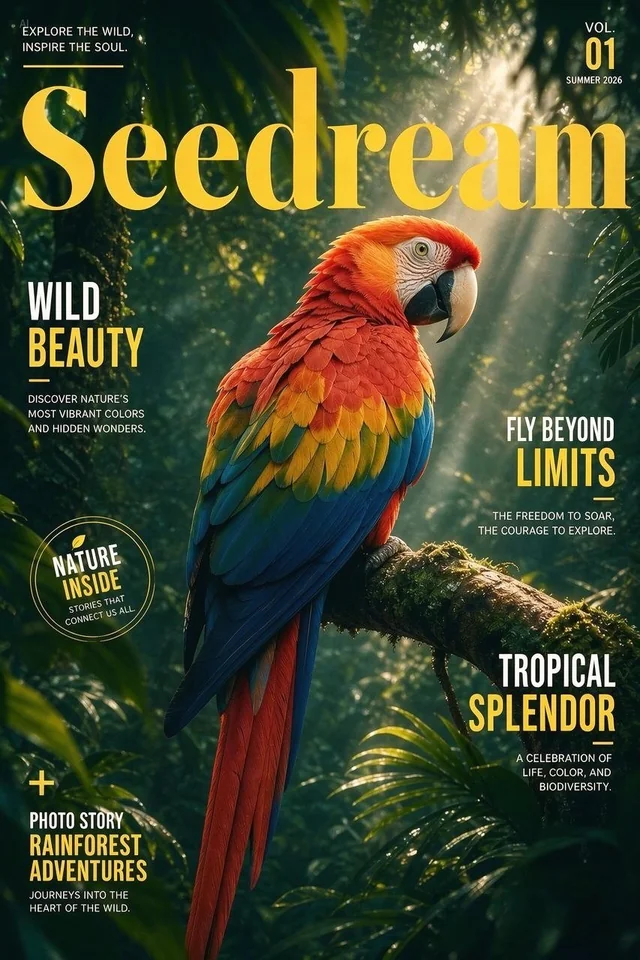
Flux 2, Flux 3, Nano Banana 2, GPT Image 2, Krea 2, and Seedream 5 - generate, edit, upscale, inpaint, outpaint, and remove backgrounds without switching providers.
Video
Veo 3.1, Sora 2, Kling 3.0, Seedance, and Happy Horse - text-to-video, image-to-video, avatar generation, and motion control in the same composer.
Audio
ElevenLabs, OpenAI, Gemini TTS, Qwen 3 TTS, and MiniMax Music - speech and music generation alongside your visual assets, in the same session.
ElevenLabs
OpenAI TTS
MiniMax MusicBuilt for High-Volume Production
Whenever one generation is never enough, the Creator is where the work happens.
Agencies & Studios
A studio needs 40 ad variations for a client review by end of day. They generate a batch of 4 images per concept across a handful of prompts, chain the strongest concepts into image-to-video, and keep every version in the session board for side-by-side comparison - no juggling separate tool pages per format.
Social & Content Teams
A social team turns one product photo into a week of content: an image edit for a clean background, a chained image-to-video for a reel, and an AI voiceover generated alongside it - all three built in sequence from the same composer, without leaving the page.
Product Marketing
A marketer redoes last quarter's best-performing creative with a new product angle. Redo reloads the exact model, prompt, and parameters from history, they swap in the new product photo, and a fresh batch is ready in minutes instead of rebuilding the brief from scratch.
Solo Creators
A solo creator sketches a concept with a quick generation, uses "Get Prompt" to reverse-engineer a reference image they liked, tweaks it with Enhance, and chains the result through three operations before landing on a final asset - one continuous workspace instead of five separate tabs.
Everything the Creator Covers
One workspace, every operation - here's what's under the hood.
Image
- Generate & edit
- Upscale, inpaint & outpaint
- Background removal
- Resize, convert & effects
Video
- Text & image to video
- Avatar & motion control
- Resize, convert & effects
- Subtitles
Audio
- Speech generation
- Music generation
- Five TTS voice engines
- 24+ languages
Workspace
- Instant chaining
- Session board & merge
- History & redo
- One-click templates
One Workspace. Every Operation.
Stop rebuilding the same generation from scratch. Chain, redo, and template your way to volume.
The Creator includes
Frequently Asked Questions
How is the Creator different from the classic tool pages?
The classic pages (image/generate, video/edit, and so on) are each a single form for a single operation. The Creator is one continuous workspace: a floating rail switches between every operation across image, video, and audio, one composer at the bottom handles the current one, and every result - current session or past history - lives in the same canvas you can keep building from.
What does "chaining" actually do?
Chaining takes the result of one generation and loads it as the input file for a different operation, with one click. Generate an image, chain it into image-to-video, then chain that video into an upscale - no downloading the file and re-uploading it into a different form.
Can I reuse a past generation?
Yes, two ways. "Redo" reloads a past run's exact model, prompt, parameters, and input files back into the composer so you can re-run or tweak it. "Pin" (from History) adds a past result straight into your current session board without changing anything about the form.
Does the Creator support every operation the classic tool pages do?
The Creator covers the core generation and editing operations across image, video, and audio - generate, edit, upscale, inpaint, outpaint, background removal, resize, convert, and effects for image and video; avatar, motion control, and subtitles for video; speech and music generation for audio. A handful of specialized document and batch operations still live on their own tool pages.
Can I generate multiple images at once?
Yes. Image generation supports up to 4 variations from a single prompt in one request, so you can compare results and pick the best one without resubmitting the same prompt repeatedly.
Do templates work across all three modes?
Yes. The template library spans image, video, and audio presets. Selecting one switches the Creator to the right mode and action automatically and fills in the model, prompt, and parameters that made the example work.
Explore More Suites
Complete media processing across all formats
Templates
One-click presets across image, video, and audio - the same library built into the Creator.
Content Library
Every asset you generate or upload, organized and ready to reuse across sessions.
Video Editor
Timeline-based editing for the clips you generate in the Creator.
Canvas Editor
Infinite canvas for iterating on images with AI-powered transformations.
MCP & API
Drive the same operations behind the Creator from Claude, Cursor, or your own code.